How do I activate an EA app key?
You redeem an EA app key on your EA Account. Do it in the EA app on Windows or Mac, on ea.com/redeem, or in your EA Account's Payment and Wallet tab online. The game then appears in your EA app Library to download. A key sold for one region, such as Europe, is for an EA Account in that region.
Shop EA app keysBefore you start
You need an EA Account and a Windows PC or a Mac. No account or app yet? Follow Set up the EA app below first.
The EA app runs on Windows 10 and 11 (64-bit) and on macOS 10.15.8 (Catalina) or later. There's no EA app for Linux, phones or tablets.
Sign in with the EA Account you want the game on. Parents: sign in to your child's account, not your own.
Check the region on your Andalu order. If it names one region, such as Europe, it must match your EA Account's country.
For DLC or an expansion pack, the base game must be on the same EA Account.
Have your code ready: copy the product code from your order and paste it, rather than typing it.
Get your key from Andalu
Your key arrives by email, never on the order page.
- 1
Open the email for your order. Its subject names what you bought and includes your order number, like "Elden Ring, Steam: your key is ready (#42101)".
Can't find it? Your order confirmation page opens your inbox already searched for it: select the button named for your email service, such as Open Gmail. Check spam and promotions too.
- 2
Select Get your order. Your key is on the page it opens. If the email shows the key itself, under Your key, it's right there.
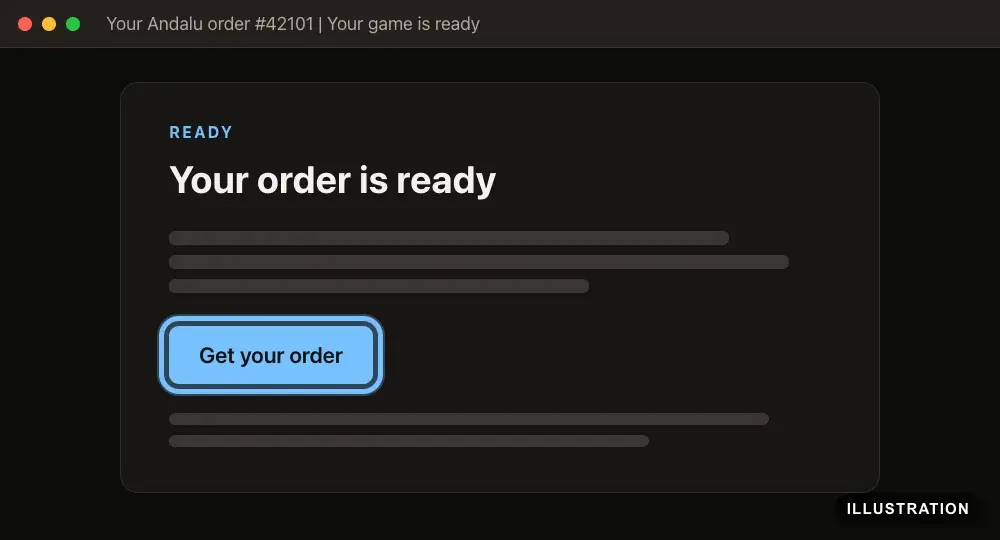
Illustration of your Andalu order page - 3
Copy the key exactly as shown, so no character is mistyped.
Set up the EA app (first time only)
Skip this if you already play EA games on your computer. EA's own guides: Create an EA Account and Download the EA app.
- 1
Go to myaccount.ea.com and select CREATE ACCOUNT.
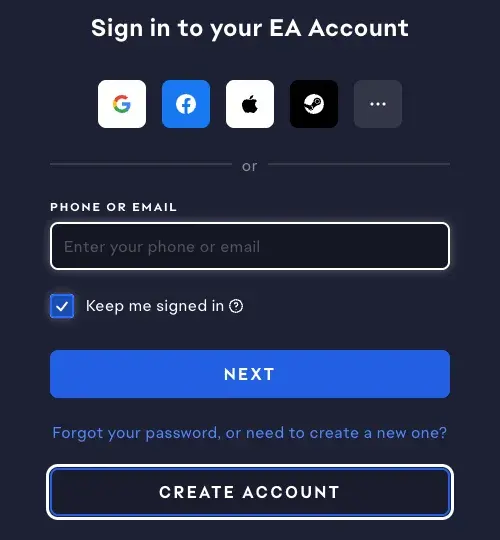
- 2
Enter your email address, an EA ID, a password, your country of residence and your date of birth, then follow the prompts.
Choose the country you live in. Regional keys must match it, and EA may not let you change it later.
Your EA ID is the name other players see. You can change it only once every 30 days.
- 3
Go to the EA app page and select Windows or Mac under Download the EA app.
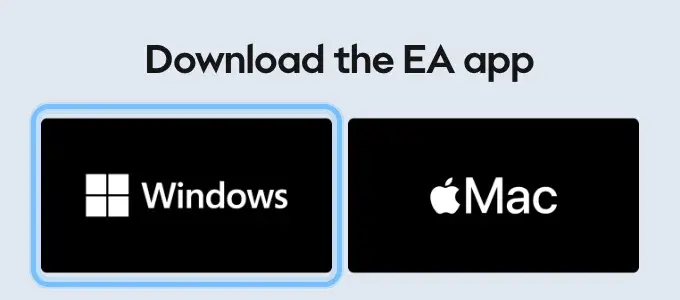
- 4
Open the installer you downloaded and follow the instructions. On a Mac, drag the EA app icon onto Applications when asked.
- 5
Open the EA app and sign in with your EA Account.
- 6
Recommended: turn on two-factor authentication. On your EA Account's Security and Privacy page, select Two-factor authentication, then Turn On. Some games won't start until it's on.
After that, EA sends a code whenever you sign in on a new device. Enter it to continue.
Redeem in the EA app
The simplest route, because you play in the EA app anyway. EA's own guide: How to redeem your product and promotional codes. EA's video shows an older version of the app, where Library was called My Collection.
- 1
Open the EA app and sign in with the EA Account you want the game on.
- 2
Select Library in the menu on the left.
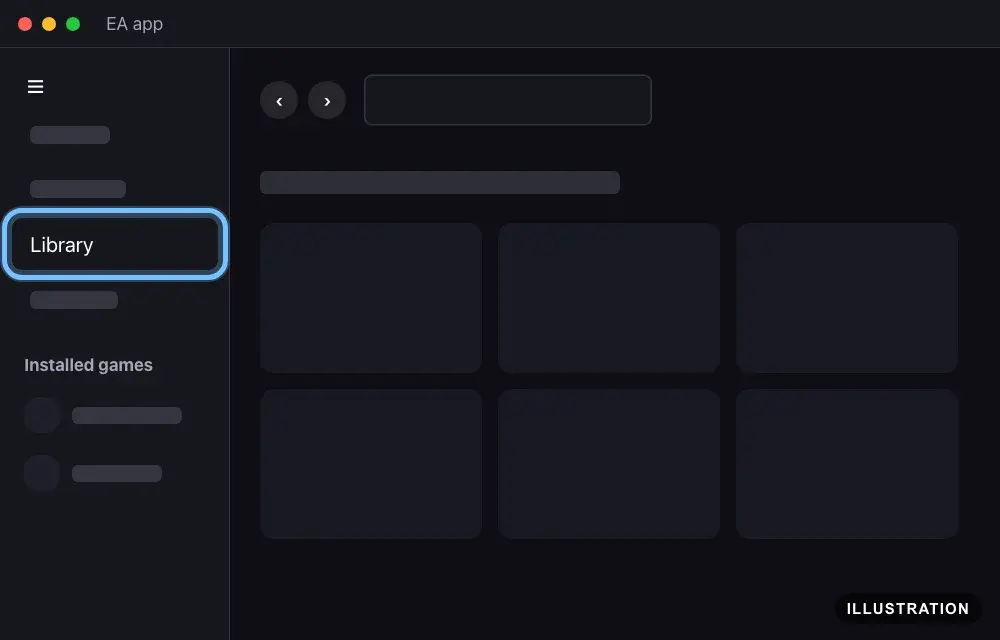
Illustration drawn from the platform's own guide · see the original - 3
Select Redeem Code on the Library page.
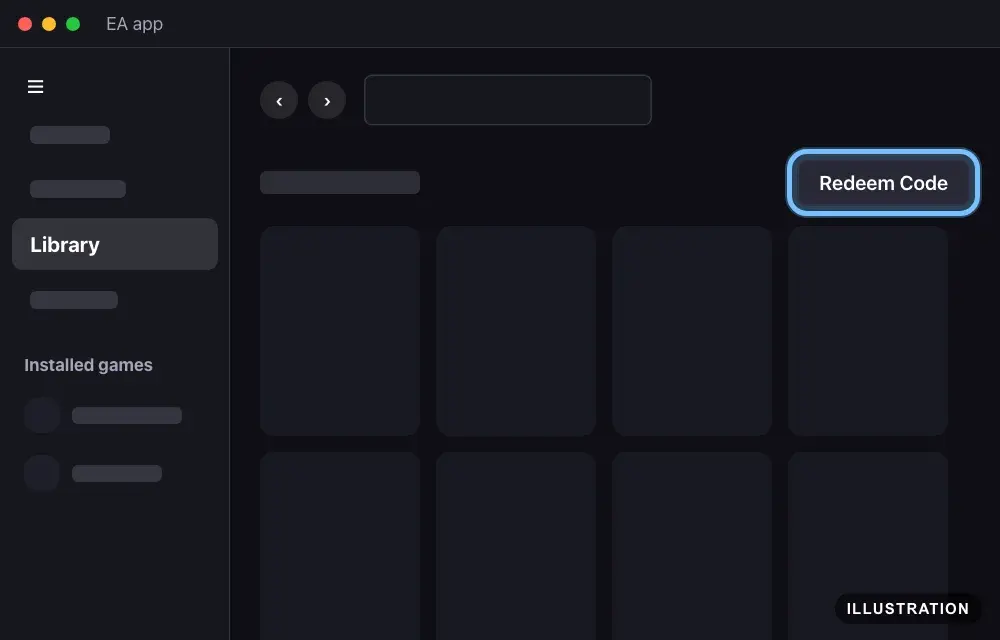
Illustration drawn from the platform's own guide · see the original - 4
Paste your code, then select Next.
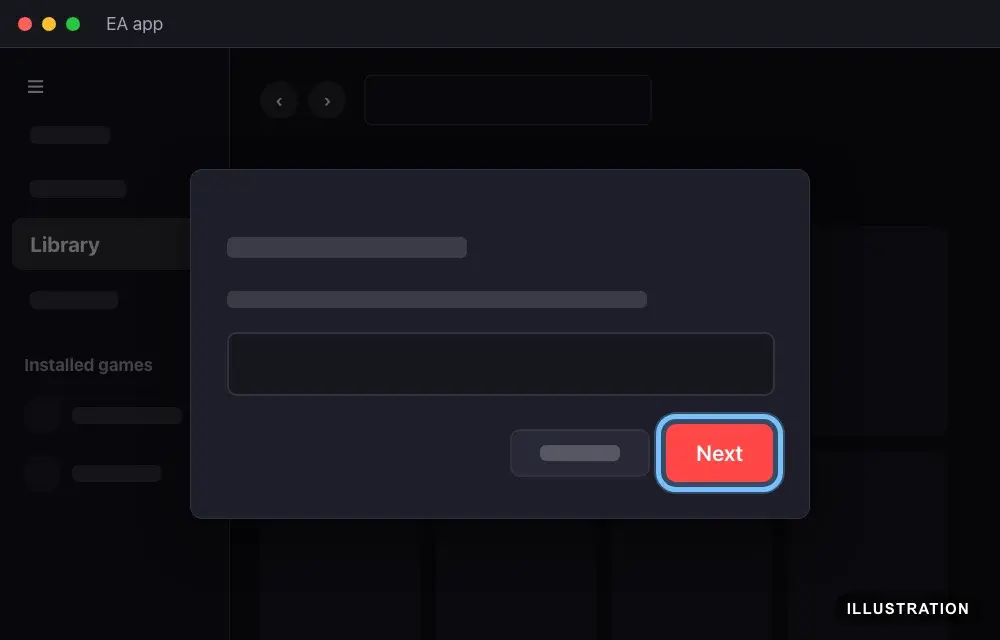
Illustration drawn from the platform's own guide · see the original - 5
Check that the game shown is the one you bought, then confirm it.
- 6
The game is now in your Library. Follow Download and install it below.
Redeem on the website
Works in any web browser, then you download in the EA app. EA's own guide: How to redeem your product and promotional codes.
- 1
Go to ea.com/redeem.
- 2
Select Redeem, under Got a code to redeem?
Not signed in? EA asks you to sign in first, then takes you back to redeem.
The Xbox, Playstation and Switch buttons lower down are for console codes. An EA app key uses Redeem.
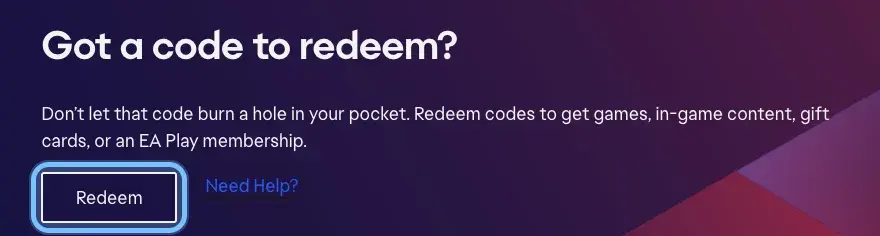
- 3
Paste your code, then select Next.
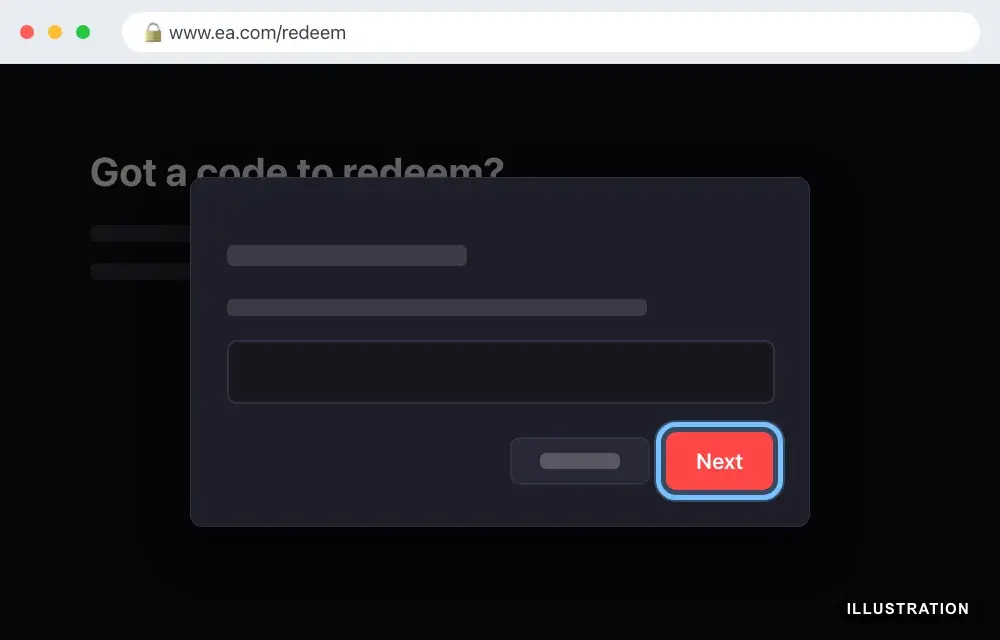
Illustration drawn from the platform's own guide · see the original - 4
If EA shows you the game and asks you to confirm, confirm it.
- 5
The game is now on your EA Account. Follow Download and install it below.
Redeem in your EA Account
The same, from your EA Account settings online. EA's own guide: How to redeem your product and promotional codes.
- 1
Go to myaccount.ea.com and sign in to your EA Account.
- 2
Select the Payment and Wallet tab.
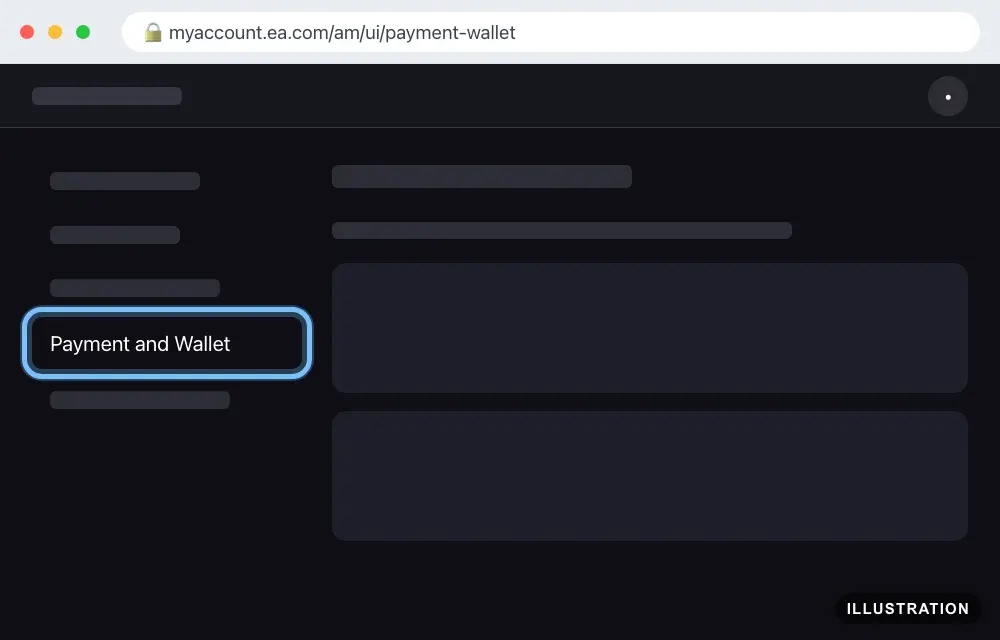
Illustration drawn from the platform's own guide · see the original - 3
Select Redeem a product code.
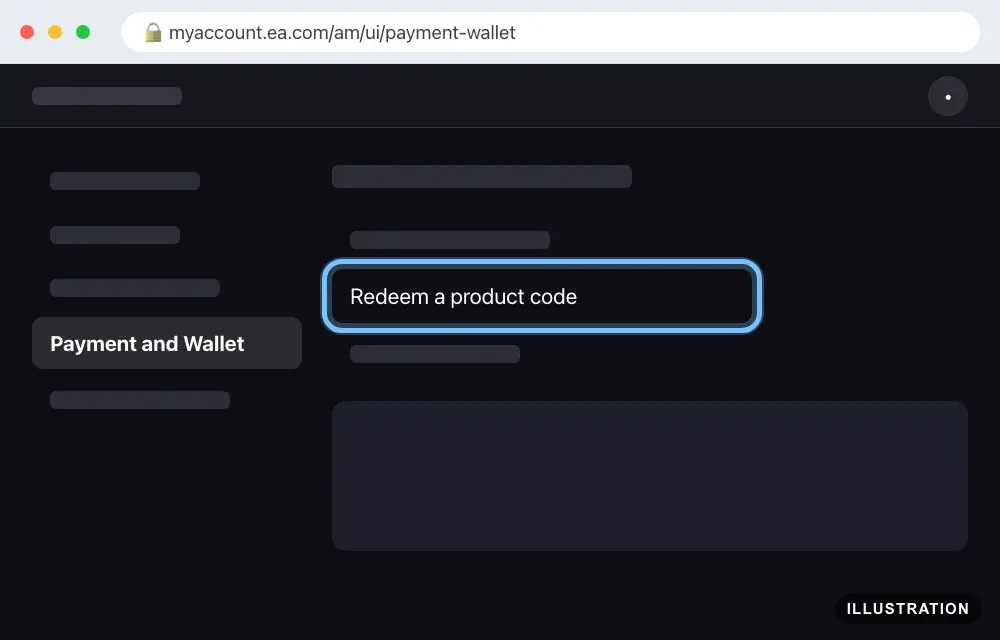
Illustration drawn from the platform's own guide · see the original - 4
Paste your code, then select Next.
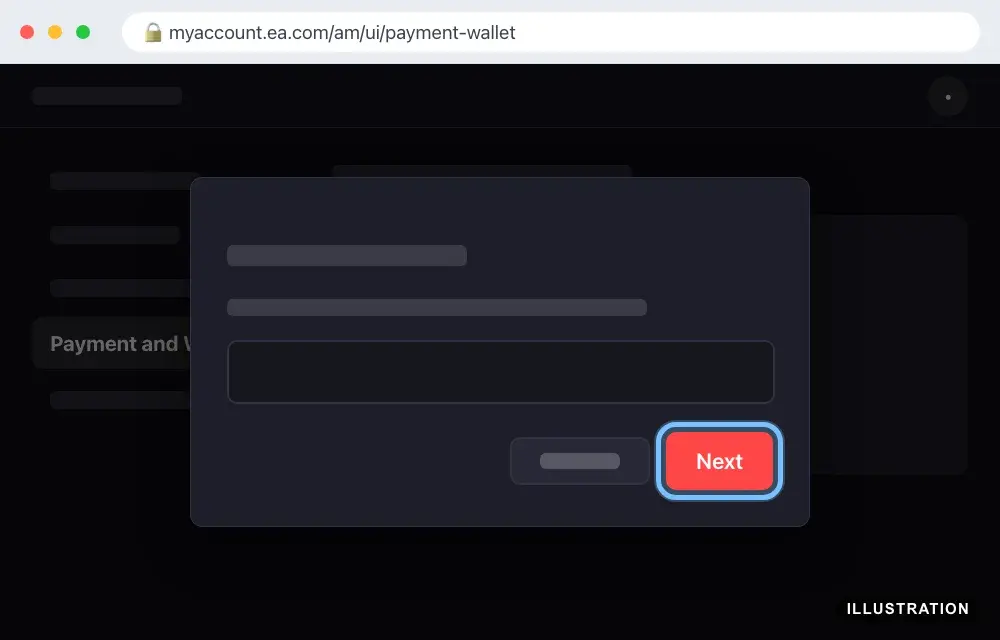
Illustration drawn from the platform's own guide · see the original - 5
Find the game in the list and select Confirm.
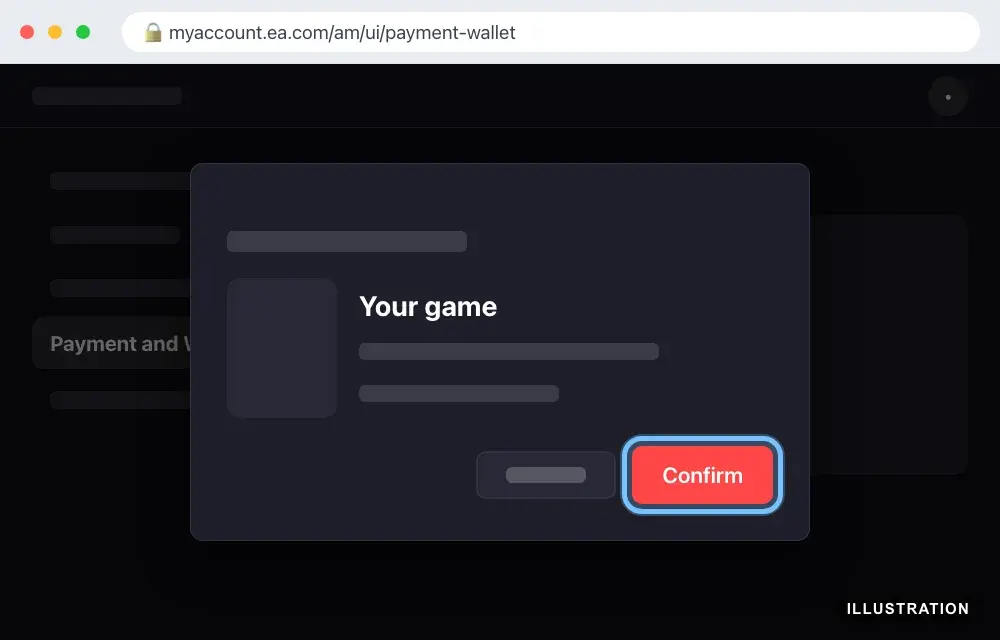
Illustration drawn from the platform's own guide · see the original - 6
The game is now on your EA Account. Follow Download and install it below.
Download and install it
Wherever you redeemed it, the game waits in Library until you download it. EA's own guide: How to use the EA app.
- 1
In the EA app, open the game from Library, or search for it by name.
- 2
Select Download.
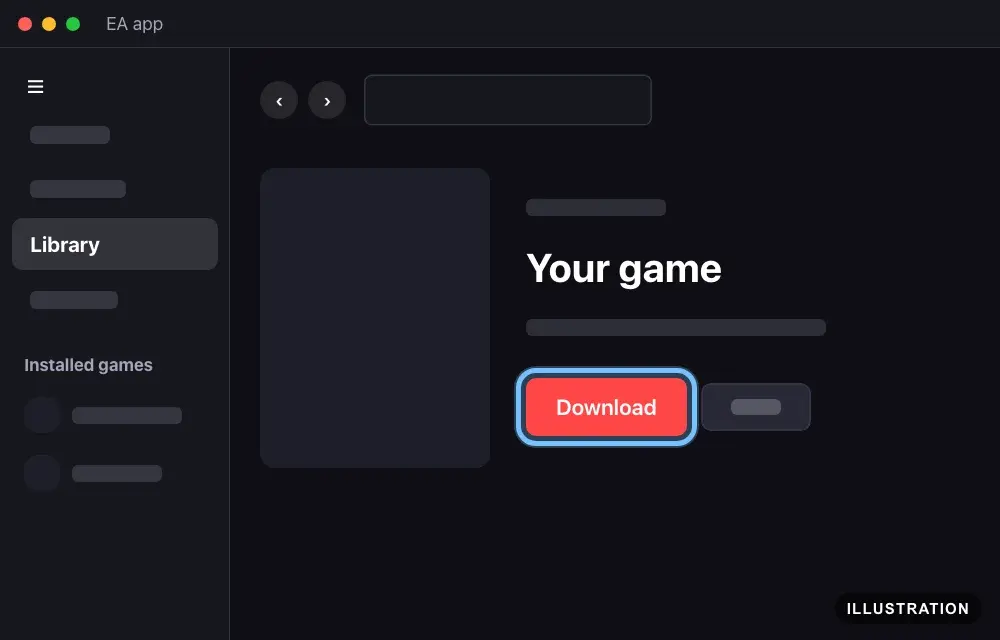
Illustration drawn from the platform's own guide · see the original - 3
Wait for the download to finish. The Download Manager shows its progress, and finished games are listed under Installed games.
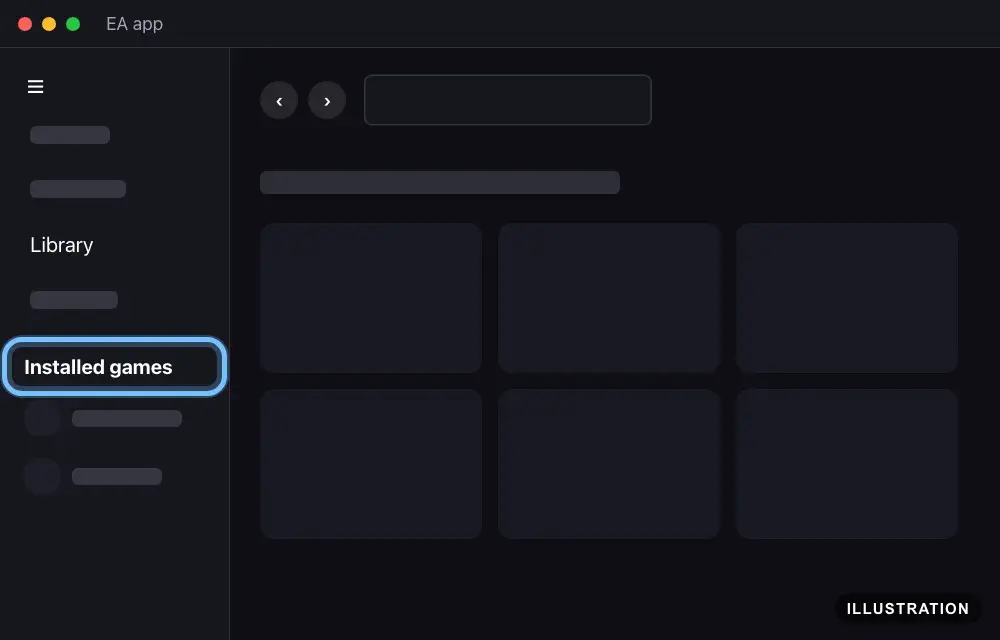
Illustration drawn from the platform's own guide · see the original - 4
For DLC or an expansion pack, go to Library and hover over the base game's tile. Select the three dots at its top right, then select Manage add-ons.
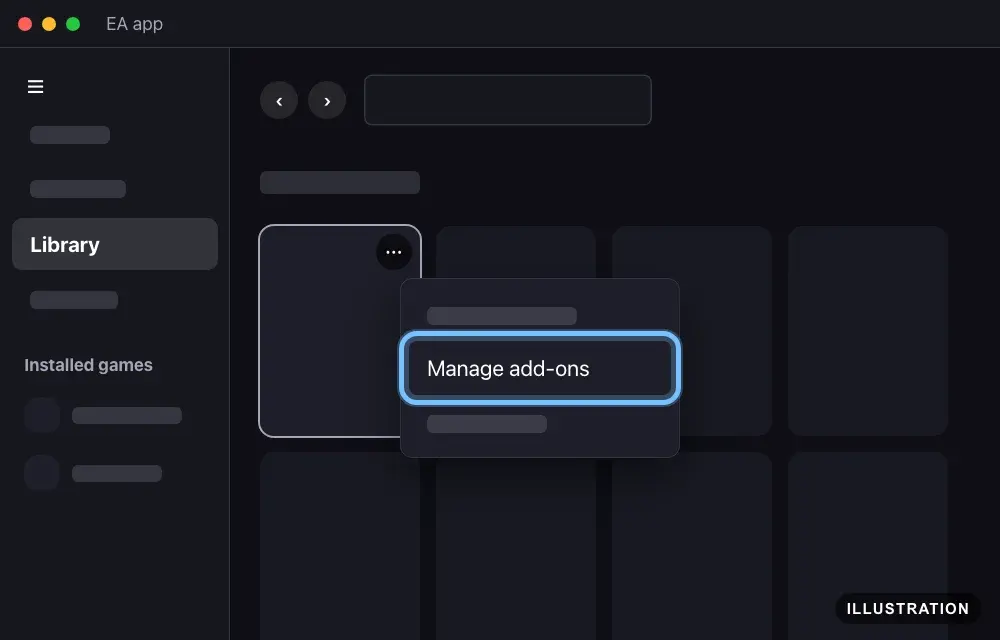
Illustration drawn from the platform's own guide · see the original - 5
To play, go to Library, select your game, then select Play.
Confirm it works
A full game shows in Library in the EA app once it's redeemed, even before you download it.
DLC and expansion packs don't get a tile of their own. Find them on the base game's tile, under Manage add-ons.
The Download Manager shows a download's progress. Finished games are listed under Installed games.
Can't find it? Check you're signed in to the account you redeemed on. Then select the menu icon (three lines, top left), Help, then Restart app, or sign out and back in.
By key type
Base game
The code adds the full game to your EA Account. It shows in Library, and you download it from there.
DLC and season passes
Expansion packs and other add-ons, such as The Sims 4 packs and kits, need their base game on the same EA Account. EA's rule is simple: DLC needs the base game to work. After you redeem it, add-on content has no tile of its own. Hover over the base game in Library, select the three dots, then Manage add-ons to find and download it.
Region-specific keys
Some EA app keys are sold for one region, such as Europe or Poland. The region is on your Andalu order and the product page. Your EA Account's country is the one you chose at sign-up: sign in to your EA Account and open Account information, where it's under Regional settings. If the key's region and your country don't match, don't keep trying: contact us.
EA games also aren't available in some countries because of sanctions and local laws, including Belarus, the Crimea region of Ukraine, Cuba, Iran, North Korea, Russia and Syria.
Wallet, currency and subscription codes
EA also has codes that aren't games. An EA Gift Card redeems from your EA Wallet, in the Payment and Wallet tab. EA Play membership codes and virtual currency codes, such as SimPoints, redeem at the web address in the code's own instructions. If you're already an EA Play member, a membership code only works for the plan you have now. EA Play isn't available on Mac.
Troubleshooting
| What you see | What it means | What to do |
|---|---|---|
A message says the code isn't valid | A typing mistake, or a code meant for another platform | Copy the code from your order and paste it. Check your order says EA app, not Steam or a console. Still refused? Contact us |
A message says the code can't be redeemed in your region | The key is for a different region than your EA Account's country | Don't retry. Contact us with your order number |
A message says the code has already been redeemed | The code was used before, possibly on another of your EA Accounts | Check Library on any other EA Account you use. If it isn't there, contact us. EA can't help with codes used on someone else's account |
A message says the code has expired | The code is past its redemption date | Contact us with your order number |
"Sorry, you can only redeem a membership code that matches your current EA Play membership plan." | An EA Play code for a different plan than the membership you have | Cancel your current membership, then enter the code again. You may need to wait until your current period ends |
The code worked, but there's no new tile in Library | You redeemed DLC or an expansion, which has no tile of its own | Open the base game's tile menu (the three dots) and select Manage add-ons. The base game must be on the same account |
The game isn't in Library after redeeming | The EA app is signed in to a different account, or hasn't refreshed | Sign in to the account you redeemed on. Then select the menu icon, Help, Restart app, or sign out and back in |
You can't find Redeem Code in the EA app | Redeem Code is on the Library page | Select Library in the menu on the left, then look for Redeem Code on that page. Or redeem on the website instead |
A child account can't sign in on EA's website | Child accounts have limited access to EA's websites | Redeem in the EA app instead, signed in to the child's account |
The EA app won't install | Your computer isn't on Windows 10 or 11 (64-bit) or macOS 10.15.8 or later, or security software is blocking it | Update your system, or use a computer that meets the minimum. Allow the EA app in your firewall and antivirus. There's no EA app for Linux, phones or tablets |
EA's verification code doesn't arrive | The email is delayed, filtered, or going to a different account | Resend the code. Check your spam folder and that your inbox isn't full. Make sure you're signing in to the right EA Account |
You live somewhere EA doesn't offer its games | EA games may be unavailable in Belarus, Crimea, Cuba, Iran, North Korea, Russia and Syria | Don't redeem the key. Contact us with your order number |
Your order says Steam or Epic, not EA app | It's a Steam or Epic key for an EA game | Redeem it there instead: see our Steam guide or Epic guide. You still need the EA app to play |
Frequently asked questions
Still stuck?
Contact us with your order number and the exact message you see, word for word, including any error code. We reply by email, usually within a day. If the code can't be used, buyer protection covers you for 24 hours after delivery.