How do I activate a GOG key?
You redeem a GOG code on the GOG website or in the GOG GALAXY app for Windows and Mac. GOG games are DRM-free: once the game is on your account, install it with GOG GALAXY or download its installer and play without any app. Most of our GOG keys work anywhere; a region-specific key only redeems in its region.
Shop GOG keysBefore you start
You need a free GOG account. No account yet? Follow Set up GOG below first.
Sign in with the account you want the game on. The code adds the game to whichever GOG account is signed in.
For DLC or an upgrade, the base game must be on the same GOG account. A copy you own on another store doesn't count.
Most GOG keys we sell work in any country. A region-specific key, marked on your order, only redeems in its region.
GOG games install on a computer: Windows, and Mac or Linux where the game supports it.
Have your code ready. Copy it from your order exactly as shown.
Get your key from Andalu
Your key arrives by email, never on the order page.
- 1
Open the email for your order. Its subject names what you bought and includes your order number, like "Elden Ring, Steam: your key is ready (#42101)".
Can't find it? Your order confirmation page opens your inbox already searched for it: select the button named for your email service, such as Open Gmail. Check spam and promotions too.
- 2
Select Get your order. Your key is on the page it opens. If the email shows the key itself, under Your key, it's right there.
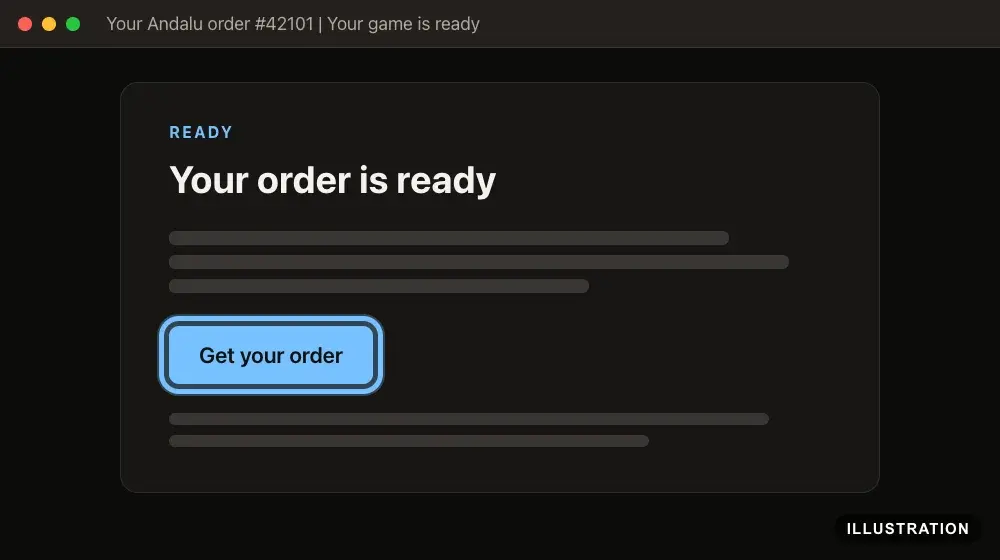
Illustration of your Andalu order page - 3
Copy the key exactly as shown, so no character is mistyped.
Set up GOG (first time only)
Skip this if you already have a GOG account. GOG's own help: FAQ: Website and accounts.
- 1
Go to gog.com and select JOIN GOG at the top right.

- 2
In the SIGN-UP window, enter a Username, your Email and a Password.
You can also sign up with GOOGLE, STEAM, DISCORD or XBOX, under OR.
Signing up confirms you're 16 or older.
- 3
Tick I'm not a robot, then select SIGN UP NOW.
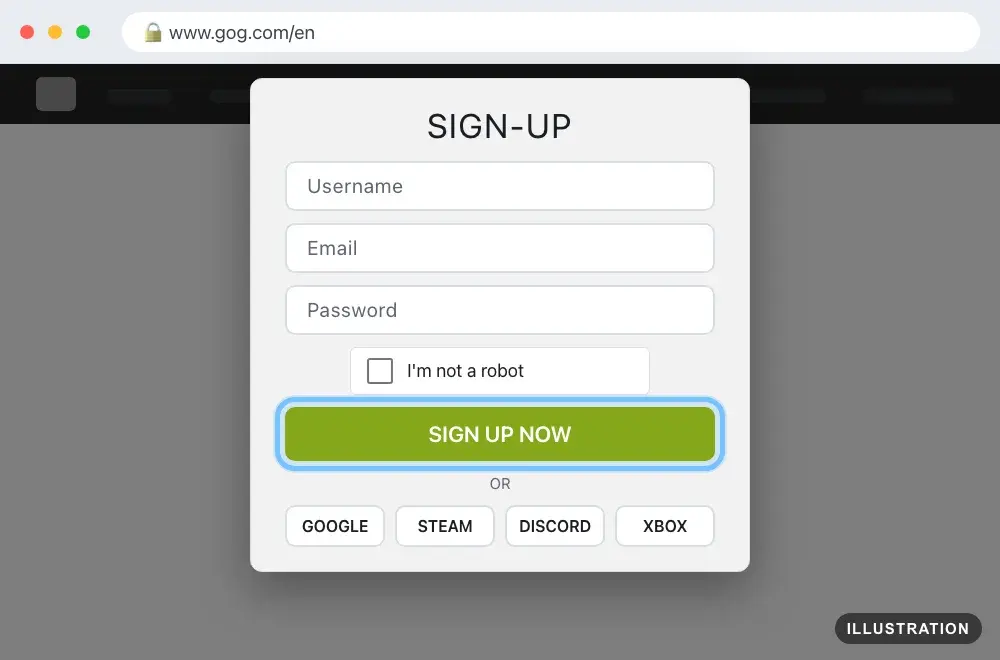
Illustration drawn from the platform's own guide · see the original - 4
If GOG asks for a code when you sign in, enter the four-digit code it emails you.
It comes from no-reply@gog.com with the subject "Two-step authentication", and it works for 15 minutes.
- 5
Optional: to install games with an app, go to gog.com/galaxy and select DOWNLOAD GOG GALAXY.
GOG GALAXY is available for Windows and Mac. It needs Windows 10 (64-bit) or newer, or macOS Sonoma 14 or newer on an Apple silicon Mac.
You don't need it to play: GOG games are DRM-free.
- 6
Open the file you downloaded and follow its steps to install GOG GALAXY.
- 7
Open GOG GALAXY and sign in with your GOG account.
Redeem on the website
No app needed. GOG's own guide: How do I redeem a code?
- 1
Go to gog.com/redeem.
- 2
Select SIGN IN at the top right, then sign in to the account you want the game on.
You can also enter the code first. GOG shows what it contains, then asks you to select Sign In before it adds anything.

- 3
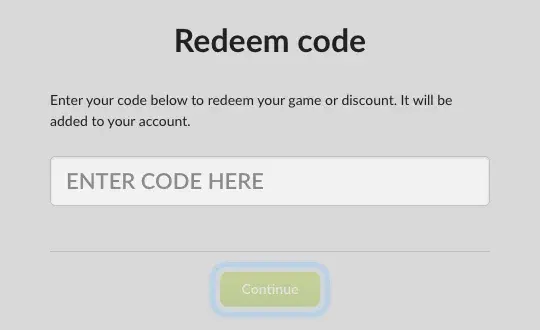
Paste your code into the ENTER CODE HERE field, then select Continue.
If a security check appears, complete it before you select Continue.
- 4
Check that the box next to your game is ticked, then select Redeem.
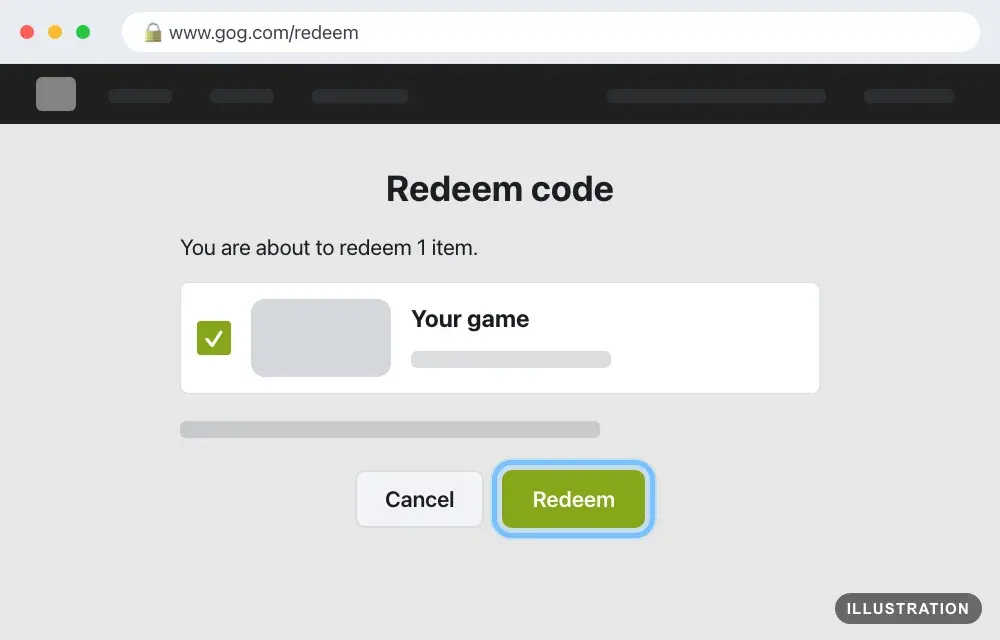
Illustration drawn from the platform's own guide · see the original - 5
When you see "Code redeemed successfully!", select Go to my account to open your library.
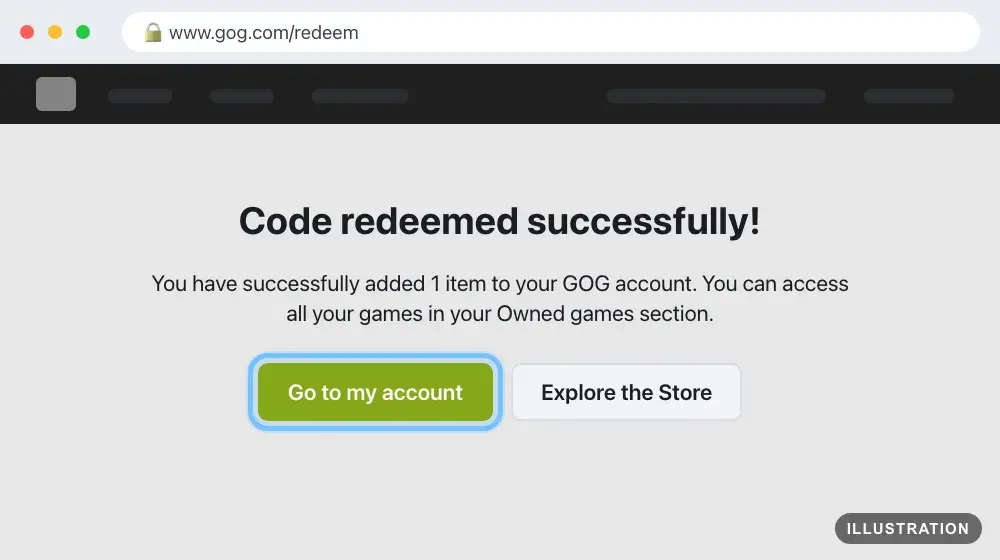
Illustration drawn from the platform's own guide · see the original - 6
The game is now on your account. Follow Download and install it below.
Redeem in the GOG GALAXY app
For Windows and Mac. Install the app first (see Set up GOG above). GOG's own guide: How do I redeem a code?
- 1
Open GOG GALAXY and sign in to the account you want the game on.
- 2
Select the cogwheel icon at the top left, then select Add games & friends.
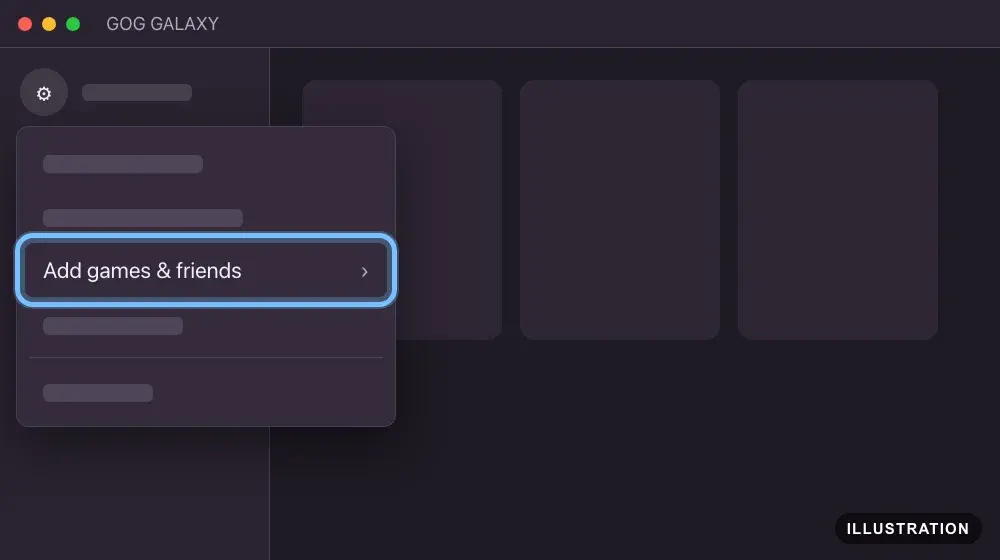
Illustration drawn from the platform's own guide · see the original - 3
Select Redeem GOG code.
GOG's gift code help words it Redeem a GOG code. It's the same option.
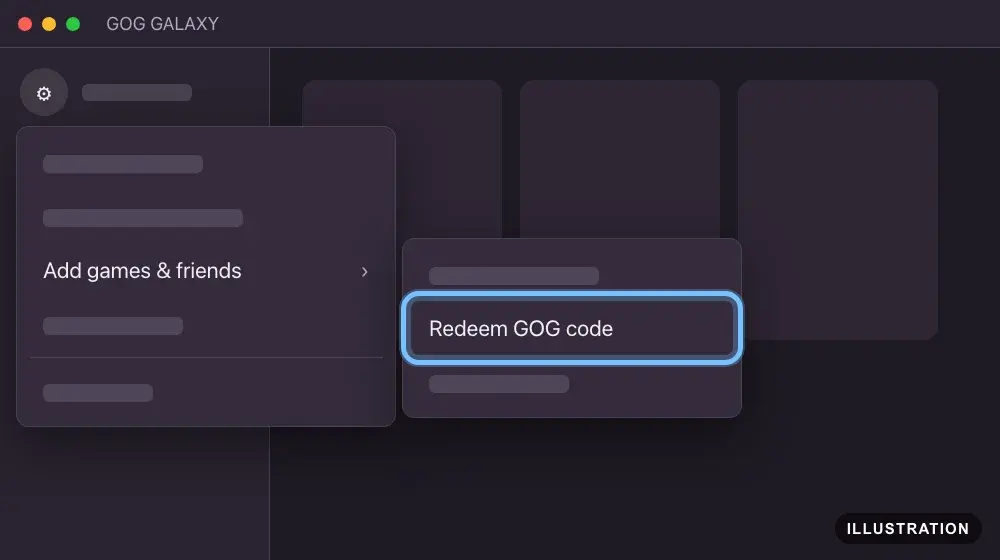
Illustration drawn from the platform's own guide · see the original - 4
Paste your code, then select Continue.
If a security check appears, complete it before you select Continue.
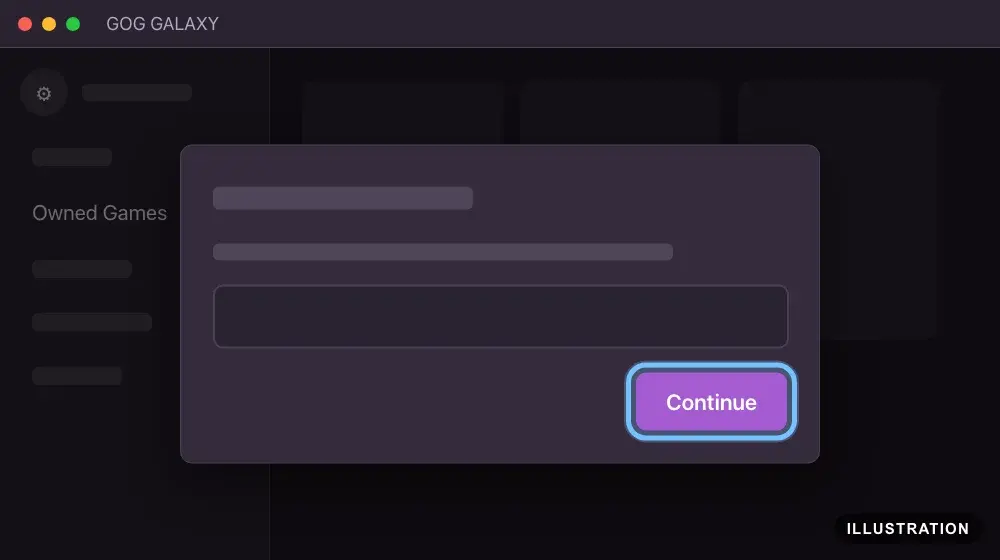
Illustration drawn from the platform's own guide · see the original - 5
Check what the code adds, then select Redeem to add it to your account.
GOG's guide calls this second button Continue.
- 6
The game is now on your account. Follow Download and install it below.
Download and install it
GOG games are DRM-free, so you have two ways: install with GOG GALAXY, or download the installer from your library and play without any app. GOG's own guide: How do I download my purchased items?
- 1
In GOG GALAXY, select Owned Games in the sidebar, then select your game.
- 2
Select INSTALL. GOG GALAXY downloads and installs the game for you.
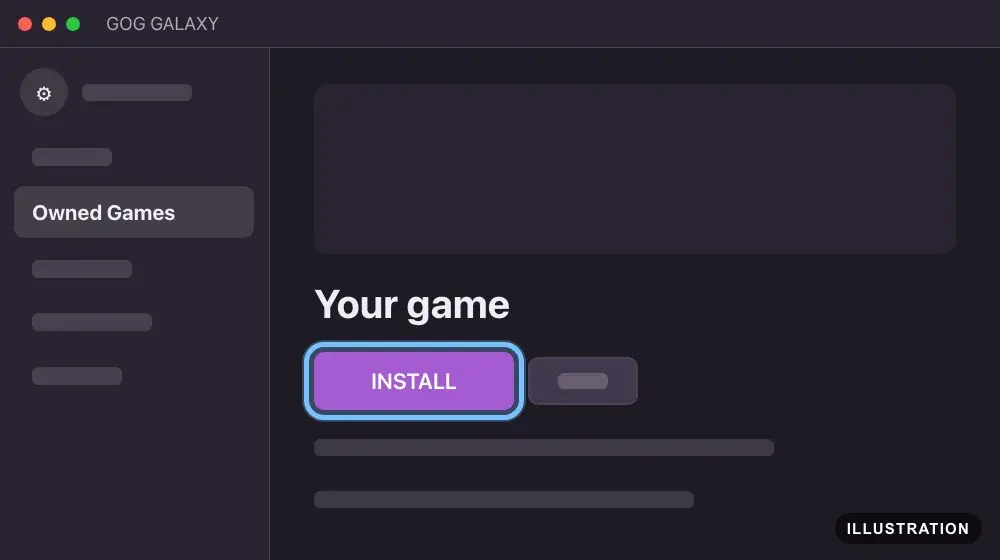
Illustration drawn from the platform's own guide · see the original - 3
When it's done, select PLAY to start the game.
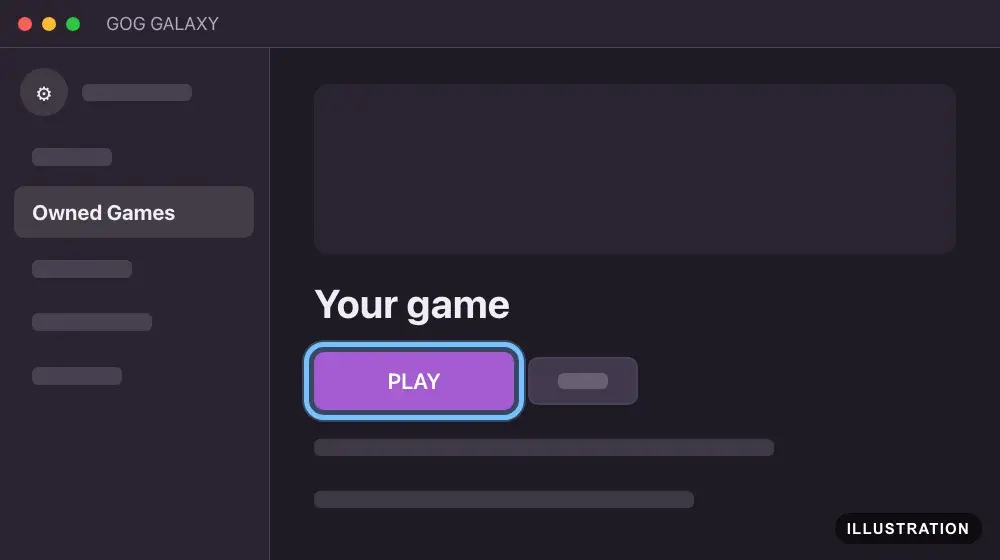
Illustration drawn from the platform's own guide · see the original - 4
No GOG GALAXY? Go to your library at gog.com/account instead and select your game.
- 5
Under DOWNLOAD OFFLINE BACKUP GAME INSTALLERS, download every file for your system into the same folder.
Windows: the .exe file and any .bin files. Mac: the .pkg file. Linux: the .sh file.
Mac and Linux files only appear for games made for them.
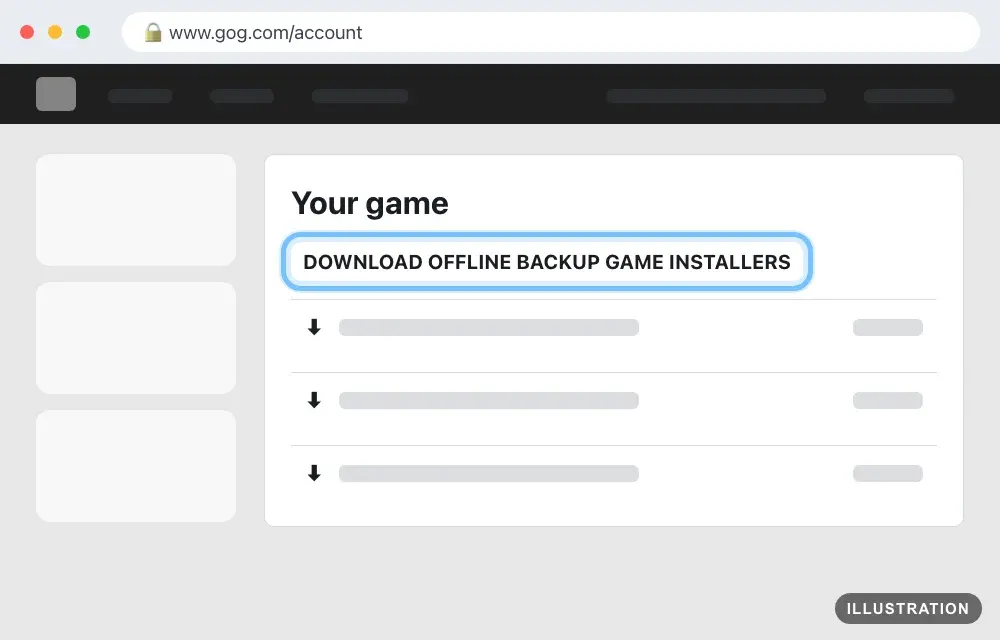
Illustration drawn from the platform's own guide · see the original - 6
Open the installer and follow its steps. On Windows, double-click the .exe file. On a Mac, double-click the .pkg file.
On Linux, mark the .sh file as executable, then run it.
Keep the files if you like. They reinstall the game without GOG GALAXY.
- 7
When the installer finishes, start the game and play.
Confirm it works
The game is in your library once the redeem finishes: Owned Games in GOG GALAXY, or your library at gog.com/account.
When GOG is busy, the redeem page says "Due to higher traffic, your game may show up in your library with a delay." It also shows an estimated wait, from 30 minutes to 5 hours.
Still not there after that? Open gog.com/user/refresh to refresh your account, then look again.
DLC belongs to its base game. GOG GALAXY installs it with the base game, and on the website its installers are listed under the base game.
Once installed, the game runs without GOG GALAXY.
By key type
Base game
The code adds the full game to your GOG account. Bigger editions, such as a Game of the Year or Deluxe edition, redeem the same way: the redeem page lists everything the code adds before you confirm. Then install it with GOG GALAXY or the offline installer.
Edition upgrades
An upgrade adds a bigger edition's extra content to a game you already own. GOG treats it like DLC, so redeem it on the account that has the base game. If the extra content doesn't show, refresh your account at gog.com/user/refresh.
DLC and season passes
DLC, expansions and season passes need the base game on the same GOG account. A copy of the base game on another store doesn't count: GOG doesn't let you redeem DLC for a game you own elsewhere. Without the base game, the redeem page says "This is additional content, not a standalone product." and doesn't add it. If one code holds both the base game and its DLC, keep both ticked. After redeeming, GOG GALAXY installs your DLC with the base game. On the website, the DLC installers are listed under the base game.
Multi-packs
Some GOG codes hold several games, such as a series pack. After you select Continue, the redeem page lists every item in the code with a tick box next to each. Keep them all ticked, then select Redeem. If you already own one of the games, GOG tells you and doesn't add it again.
Region-specific keys
Most GOG keys we sell work in any country. A few are sold for one region, such as Europe, and GOG won't redeem them in other countries. The region is on your Andalu order and the product page. If the key isn't for your country, the redeem page says "This code is locale-restricted and cannot be redeemed in your country." If that happens, don't keep trying: contact us.
Troubleshooting
| What you see | What it means | What to do |
|---|---|---|
"Code not found." | A typing mistake, or a key for a different store | Copy the code from your order and paste it. Check that your order says GOG. If it still fails, contact us |
"Code already used!" or "The code was already used." | The code was redeemed before, possibly on another of your GOG accounts | Check the library of each GOG account you use. If it isn't there, contact us with your order number |
"This code is currently being redeemed by someone." | The code is open in another window. GOG holds an opened code for a few minutes | Close other tabs or GOG GALAXY windows with the code open, or select Cancel there. Wait a few minutes, then try again |
"Code cannot be redeemed" with "This code is locale-restricted and cannot be redeemed in your country." | The code is for a different region | Don't retry. Contact us with your order number |
"This is additional content, not a standalone product." | DLC or an upgrade, and the base game isn't on this GOG account | Add the base game to the same GOG account first, then redeem again |
"You already own this product. It won't be added to your game library." | The game is already on this account | Nothing was added. If you meant it for another GOG account, sign in to that one and redeem there |
"Verification failed. Please try again." | The security check didn't complete | Try again. Turn off ad or script blockers for gog.com, or use another browser or GOG GALAXY |
"Code expired!" | The code is past its end date | Contact us with your order number |
"Your code is already in process" | GOG accepted the code and is still adding the game | Don't redeem it again. The game appears in Owned Games soon |
"Something went wrong" or "Oops… It looks like we are having some issues…" | A temporary problem on GOG's side, often heavy traffic | Wait a while, then try again. If it keeps happening, contact us |
The redeem worked but the game isn't in your library | GOG is still adding it, or your library hasn't refreshed | Wait for the time the redeem page showed, then open gog.com/user/refresh |
The two-step login email doesn't arrive or its code fails | The code expired after 15 minutes, a newer sign-in replaced it, or the email went to spam | Check spam for mail from no-reply@gog.com. Keep the sign-in window open and use the newest code. After 5 sign-in attempts in an hour, GOG stops sending codes for an hour, so wait |
GOG GALAXY won't install or open | It needs Windows 10 (64-bit) or newer, or macOS Sonoma 14 or newer on an Apple silicon Mac | Download the game's installer from your library instead. GOG games don't need the app |
You redeemed on the wrong GOG account | The game went to the account that was signed in | Sign in to that account to download and play it |
Frequently asked questions
Still stuck?
Contact us with your order number and the exact message you see, word for word, including any error code. We reply by email, usually within a day. If the code can't be used, buyer protection covers you for 24 hours after delivery.
GOG keys on Andalu
- Divinity: Original Sin - Enhanced Edition
- Divinity: Original Sin 2 | Definitive Edition
- Divinity: Original Sin - Enhanced Edition Collector's Edition
Global keys: they activate in any region.