How do I activate a Rockstar Games key?
You redeem a Rockstar Games key in the Rockstar Games Launcher, or on Rockstar's activation page in any web browser. To install and play, you need a Windows PC: the launcher is Windows only, with no version for Mac, phones or consoles. The game stays on your Rockstar Games account for good. Some Rockstar codes only redeem in certain countries.
Shop Rockstar keysBefore you start
You need a Windows PC to install and play. Rockstar offers the Rockstar Games Launcher for Windows only, with nothing for Mac, phones or consoles.
You need a free Rockstar Games account. No account yet? Follow Set up Rockstar Games below first.
Sign in with the account you want the game on. A Rockstar code works once and is added to that account for good. It can't be moved to another account.
Check the region on your order. Some Rockstar codes only redeem in certain countries (see Region-specific keys below).
A Shark Cash Card or the Criminal Enterprise Starter Pack is for GTA Online, so you need Grand Theft Auto V on the same account.
You need an internet connection to redeem.
Have your code ready, exactly as it appears on your order, including any dashes.
Get your key from Andalu
Your key arrives by email, never on the order page.
- 1
Open the email for your order. Its subject names what you bought and includes your order number, like "Elden Ring, Steam: your key is ready (#42101)".
Can't find it? Your order confirmation page opens your inbox already searched for it: select the button named for your email service, such as Open Gmail. Check spam and promotions too.
- 2
Select Get your order. Your key is on the page it opens. If the email shows the key itself, under Your key, it's right there.
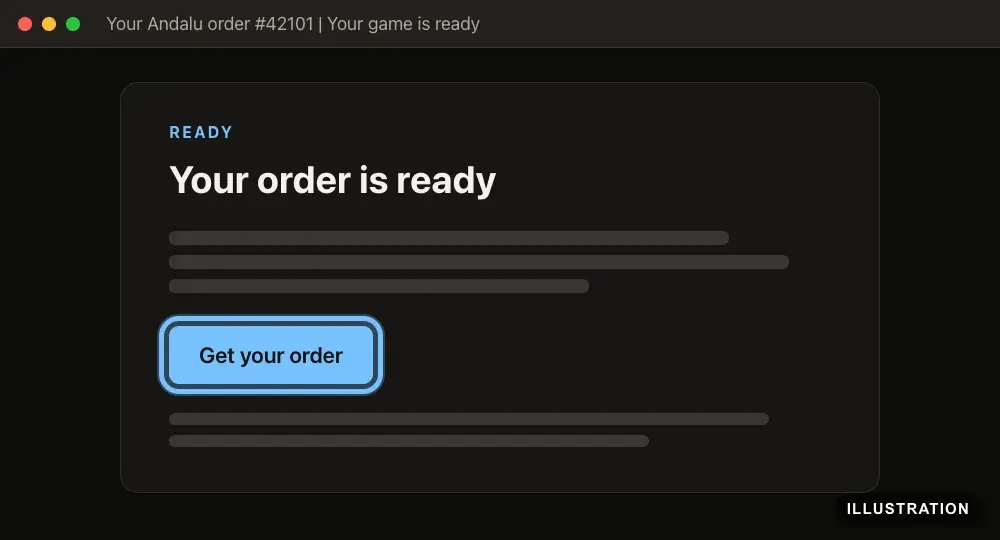
Illustration of your Andalu order page - 3
Copy the key exactly as shown, so no character is mistyped.
Set up Rockstar Games (first time only)
Skip this if you already have a Rockstar Games account and the launcher installed. The launcher needs a Windows PC, and Rockstar lists Windows 10 (64-bit) as the minimum. Rockstar's own help: Rockstar Games Launcher support.
- 1
Go to the Rockstar Games sign-in page and select Create a new account.
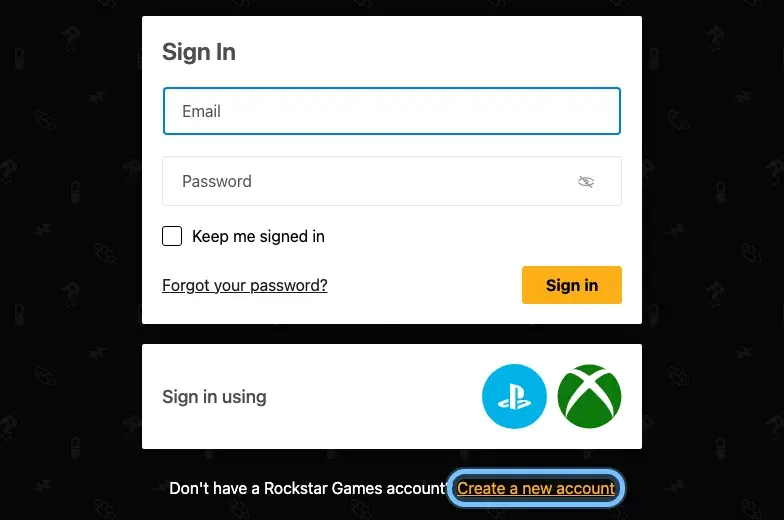
- 2
Choose your date of birth, then select Next.
Rockstar Games accounts are for ages 13 and up.
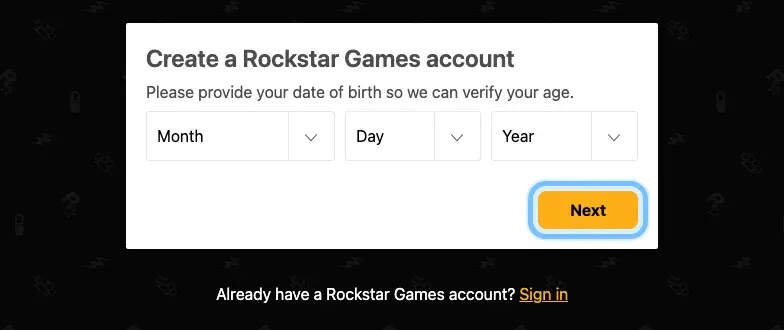
- 3
Fill in the remaining screens to finish creating your account.
- 4
Open the email from Rockstar Games and select the link in it to verify your address.
No email? Check your spam folder for mail from noreply@rockstargames.com.
- 5
Go to the Rockstar Games Launcher page and select Download for Windows.
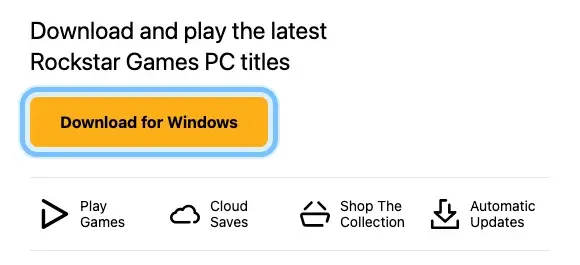
- 6
Open the file you downloaded.
- 7
Choose your language and select CONTINUE, then select CONTINUE again on the welcome screen.
- 8
On the license screen, tick I accept the terms of the License Agreement, then select CONTINUE.
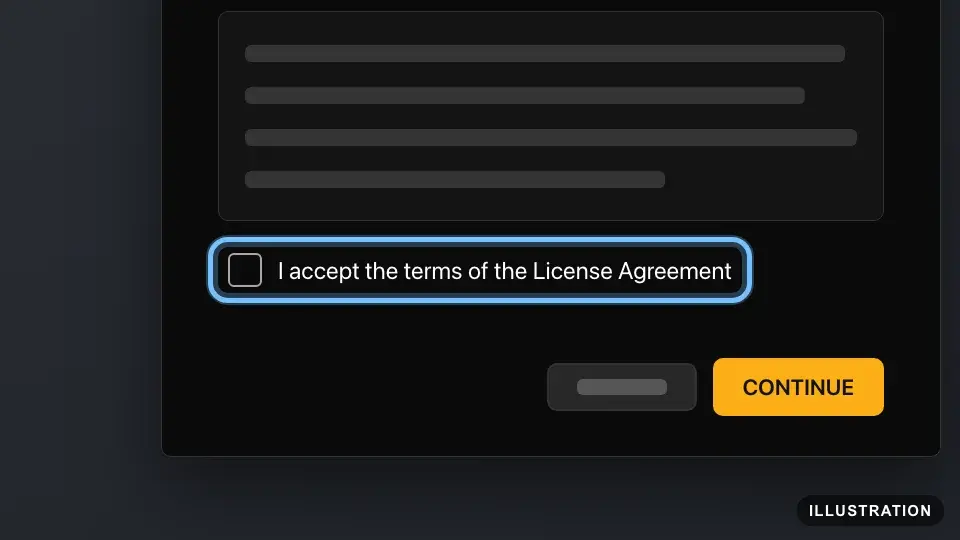
Illustration drawn from the platform's own guide · see the original - 9
Choose where to install the launcher, then select CONTINUE.
- 10
When the install finishes, select CLOSE.
- 11
Open the Rockstar Games Launcher and sign in with your Rockstar Games account.
The first time, it offers to scan your PC for Rockstar games you already have installed.
- 12
Recommended: turn on 2-step verification, so nobody else can use your account. On rockstargames.com, select your account icon at the top right, then Account, Manage Account and Security. Your email has to be verified first.
Redeem in the Rockstar Games Launcher
Rockstar's own guide: Redeeming Rockstar Activation Codes in the Rockstar Games Launcher.
- 1
Open the Rockstar Games Launcher and sign in.
- 2
Select your avatar at the top right, then select Redeem Code.
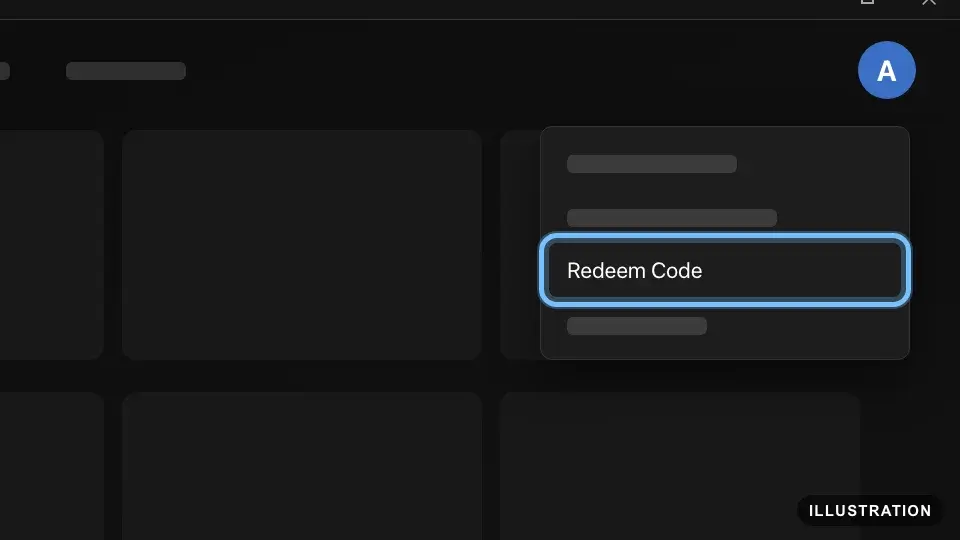
Illustration drawn from the platform's own guide · see the original - 3
Paste your code into the field.
- 4
Look at the account shown at the bottom of the screen: the code goes onto that account for good. If it's the right one, select Check.
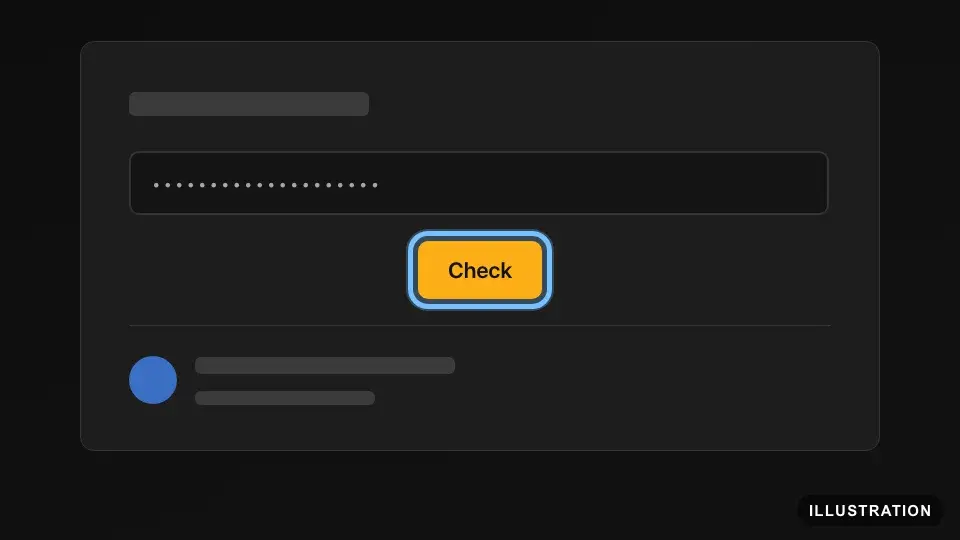
Illustration drawn from the platform's own guide · see the original - 5
Look over the list of items your account will receive, then tick the box at the bottom of the list.
- 6
Select Redeem.
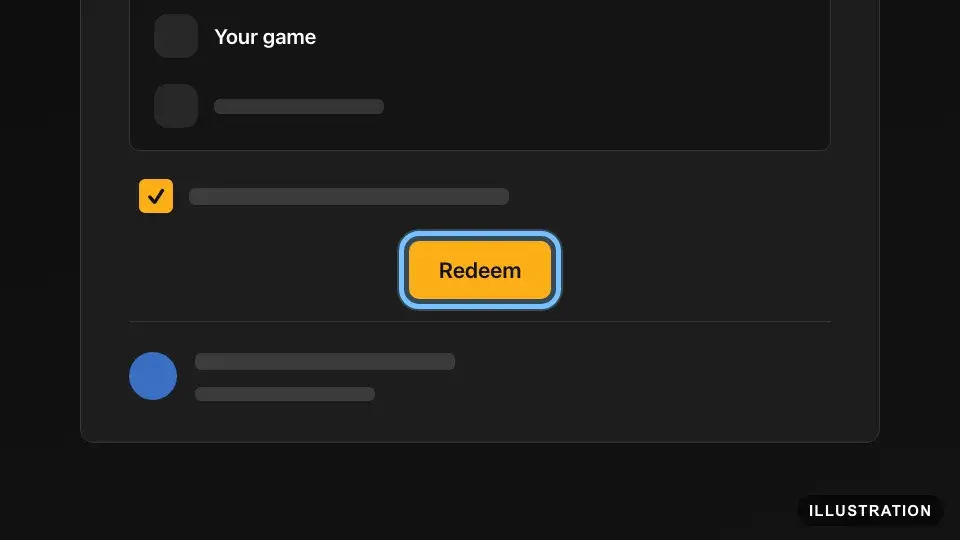
Illustration drawn from the platform's own guide · see the original - 7
The game is now in the launcher under Games. Follow Download and install it below.
Redeem on the website
Works in any web browser. You still need the launcher on a Windows PC to install and play. Rockstar points to this page in PC game keys and exchanges.
- 1
Go to Rockstar's activation page, socialclub.rockstargames.com/activate.
- 2
Enter your Rockstar Games email and password, then select Sign in.
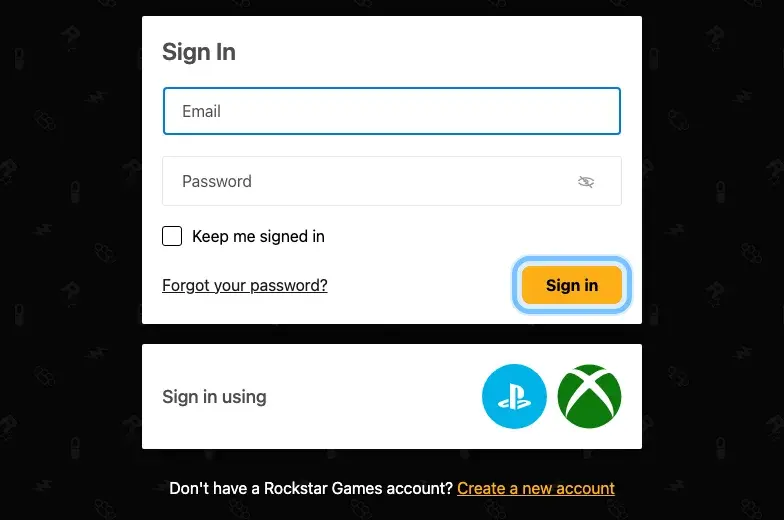
- 3
Enter your code on the activation page and follow its prompts.
Type the dashes yourself and don't add spaces. Pasting can add spaces by mistake.
Rockstar doesn't publish the steps on this page, so we can't show it here. If anything is unclear, use the launcher instead.
- 4
The game is now on your account. Follow Download and install it below.
Download and install it
Wherever you redeemed it, the game waits in My Library until you install it.
- 1
In the Rockstar Games Launcher, select Games, then open My Library.
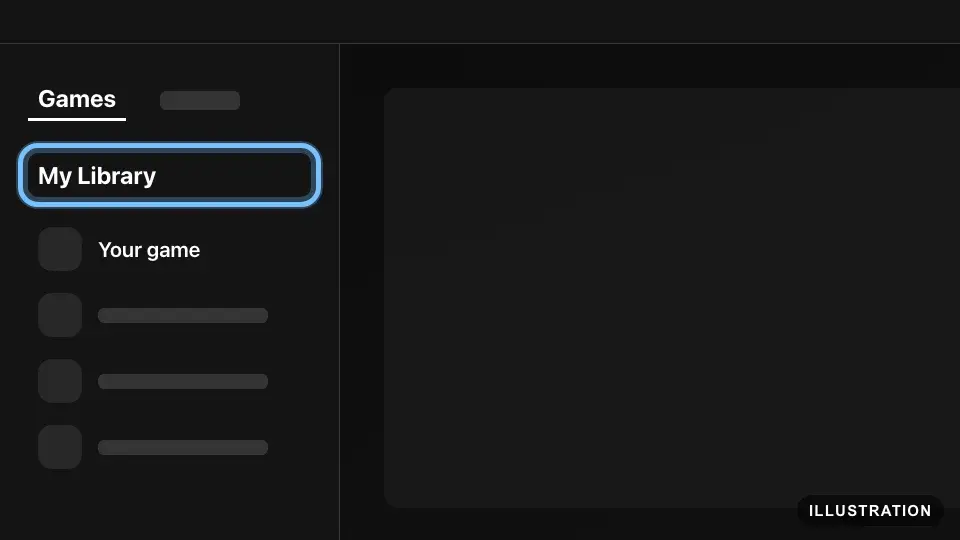
Illustration drawn from the platform's own guide · see the original - 2
Select your game, then select Install Now.
If the same game is already installed through Steam, the launcher shows Play On Steam instead. See Troubleshooting below.
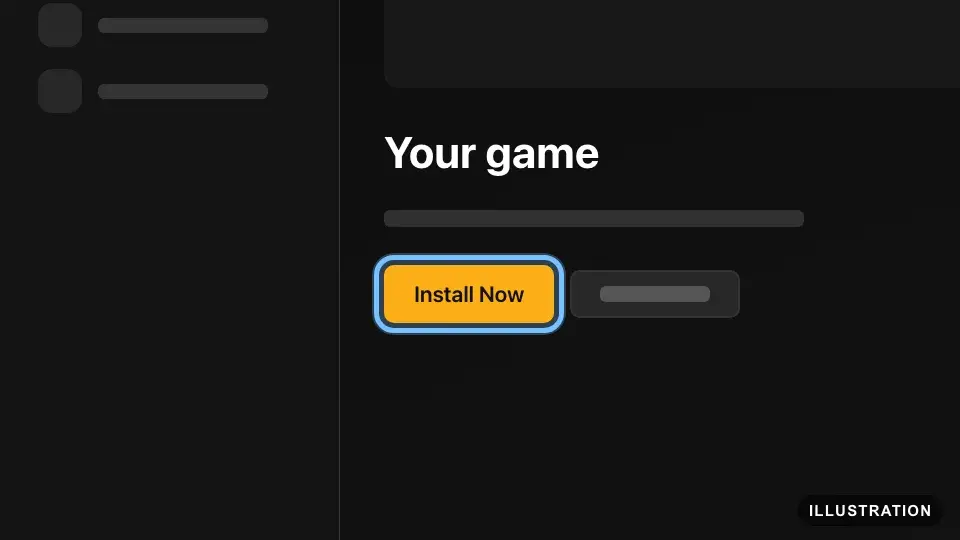
Illustration drawn from the platform's own guide · see the original - 3
When the install finishes, start the game from the launcher and play.
Confirm it works
After you select Redeem, the game is in My Library under Games, even before you install it.
The launcher keeps installed games up to date for you.
Criminal Enterprise Starter Pack items are claimed inside GTA Online. Start GTA Online and follow the in-game instructions.
GTA$ from a Shark Cash Card can take up to 72 hours to reach your Maze Bank account in GTA Online.
Can't find the game? Sign in to the launcher with the account you redeemed on, then look in My Library again.
Game won't start? In the launcher, select Settings, choose the game under My installed games, then select Verify game file integrity.
By key type
Base game
The code adds the full game to your Rockstar Games account. Install it from My Library and play.
Editions such as Premium, Ultimate or Complete redeem the same way, and the list you see after Check shows everything the edition adds. If your order shows more than one code, redeem each one.
Rockstar allows one Rockstar Games account per code, and the account holder must be 13 or older.
DLC and season passes
The Criminal Enterprise Starter Pack adds content to GTA Online, so you need Grand Theft Auto V on the same Rockstar Games account. Redeem it like a game, then start GTA Online and follow the in-game instructions to claim the items. Rockstar says the items stay listed as FREE in the game, have no trade-in value and only work in GTA Online. The same goes for the pack inside Grand Theft Auto V Premium Edition.
Region-specific keys
Most Rockstar keys we sell work worldwide. A few are sold for one region, such as Europe. The region is on the product page and on your order.
Rockstar's rule: games bought in certain regions can only be activated, and in some cases only played, in those same regions. If the region doesn't match, you see "The code entered cannot be redeemed from your current location." If that happens, don't keep trying: contact us.
Rockstar names the countries where its PC codes are region-locked. Its lists say "including", so other restrictions can apply.
Grand Theft Auto V: Armenia, Belarus, Brazil, Kazakhstan, Kyrgyzstan, Moldova, Russia, Tajikistan, Turkmenistan, Ukraine and Uzbekistan.
Red Dead Redemption 2: Argentina, Armenia, Azerbaijan, Belarus, Belize, Bolivia, Brazil, Brunei Darussalam, Cambodia, Chile, Colombia, Costa Rica, Ecuador, El Salvador, Georgia, Guatemala, Guyana, Honduras, Hong Kong, India, Indonesia, Kazakhstan, Kyrgyzstan, Lao People's Democratic Republic, Macao, Malaysia, Mexico, Moldova (Republic of), Nicaragua, Panama, Paraguay, Peru, Philippines, Russian Federation, Singapore, Sri Lanka, Suriname, Taiwan, Tajikistan, Thailand, Turkey, Turkmenistan, Ukraine, Uruguay, Uzbekistan and Vietnam.
If you live in one of these countries, buy the key for the region you'll redeem it in.
Wallet, currency and subscription codes
A Shark Cash Card adds GTA$ to your GTA Online balance. GTA$ is spent in GTA Online, so you need Grand Theft Auto V on the same Rockstar Games account. Its code is a Rockstar activation code like any other. Redeem it with Redeem Code in the launcher, and the list you see after Check shows what it adds. Then start GTA Online. Rockstar says GTA$ from a Shark Card can take up to 72 hours to appear in your Maze Bank account.
Troubleshooting
| What you see | What it means | What to do |
|---|---|---|
"The code entered cannot be redeemed from your current location. Select Rockstar codes are only valid in specific countries." | The code's region doesn't match where you're redeeming it | Don't retry. Check the region on your order, then contact us with your order number |
An error saying the code is invalid or already used | A typing mistake, an extra space, or a code that was used before | Copy the code from your order and paste it again. On the website, type the dashes yourself and add no spaces. Still failing? Contact us |
The game went to the wrong Rockstar Games account | A code is added for good to the account that was signed in | Rockstar can't move it. Sign in to that account to play. Next time, check the account at the bottom of the Redeem Code screen first |
Code 16: "Rockstar Games failed to load due to an incomplete installation (code 16). Please exit the game and re-install the latest version of Rockstar Games." | A code still waiting to be redeemed, a pending update, or an incomplete install | Redeem your code with Redeem Code first. Then select Settings, choose the game under My installed games and select Verify game file integrity |
"Rockstar Games Launcher failed to initialize." | Grand Theft Auto V can't start through the launcher, often because its code isn't redeemed yet | Sign in to the launcher, redeem the code with Redeem Code, then start the game again |
"Rockstar Games Launcher requires an update" | The launcher is out of date | Select Update Launcher, then Restart now to install at the top, then Restart Now |
Play On Steam shows, with no way to install | A Steam copy of the same game is on your PC | Follow Rockstar's steps: close Steam, rename that game's Steam folder for now, restart the launcher and select Install Now. Rename the folder back afterwards |
The key doesn't work on Steam or another store | It's a Rockstar Games key, so only Rockstar redeems it | Redeem it in the Rockstar Games Launcher. You can add the game to Steam as a non-Steam game afterwards |
You can't get the launcher on a Mac, phone or console | The launcher is for Windows only | You can redeem on the website, but you need a Windows PC to install and play |
The game isn't in the launcher after redeeming | The launcher is signed in to a different Rockstar Games account | Sign in with the account you redeemed on, then look in My Library |
GTA$ from a Shark Cash Card isn't in your balance | GTA$ can take up to 72 hours to arrive | Wait 72 hours, then start GTA Online again. Still missing? Contact us |
It keeps failing after a few tries | Retrying won't fix a region or used code. Rockstar doesn't publish a limit on attempts | Stop after two tries and contact us with a photo of the message |
"You have not yet verified your email address" | Your Rockstar Games email isn't verified yet, and 2-step verification needs it | On rockstargames.com, open Settings from your account icon, select Resend Verification, then open the email from noreply@rockstargames.com |
You're under 13 | Rockstar Games accounts are for ages 13 and up | The code has to go on an account held by someone 13 or older |
Frequently asked questions
Still stuck?
Contact us with your order number and the exact message you see, word for word, including any error code. We reply by email, usually within a day. If the code can't be used, buyer protection covers you for 24 hours after delivery.
Rockstar keys on Andalu
Global keys: they activate in any region.