I bought a key and it says it's the wrong platform or region. What now?
Stop, and don't keep trying the key. Check the platform and region on the game's product page. If both match your account and the key is still refused, buyer protection replaces or refunds it. If the key is for another platform, redeem it there. If it's for another region, contact us first.
Before you start
Have the game's page on Andalu open, the one you bought. It names the platform and region your key is for.
Take a screenshot of the message the platform showed, with any error code. You add it on the contact form.
Don't retry the key. Retrying won't fix a region mismatch, and some platforms block redeeming for a while after several failed attempts.
Know your account's region. Check your account's region shows where to find it on each platform.
Check the platform and region on the product page
- 1
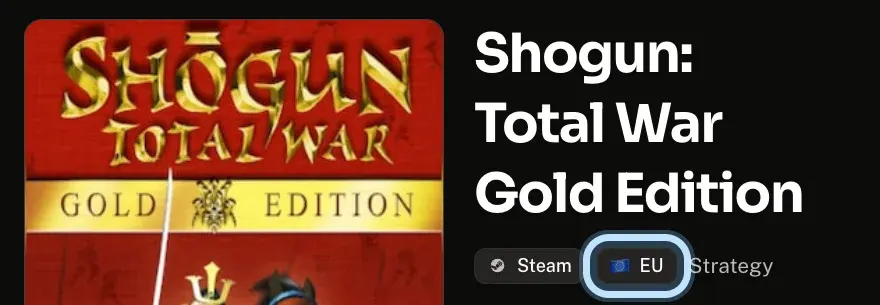
Open the game's page on Andalu. The tags under its name show the platform and region: Steam and EU (Europe) in this example.
- 2
Compare the platform with the one you tried to redeem on.
Different? Redeem the key on the platform the page names instead. A key only works on its own platform.
Same, and the platform still refuses it as a key for another platform? The key doesn't match its listing, and buyer protection covers it: follow Tell us what happened below.
- 3
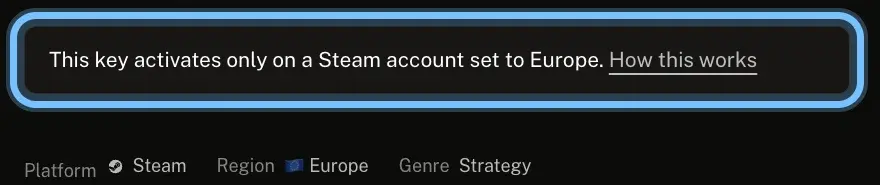
Scroll to How activation works. The note there names the accounts the key activates on.
- 4
Compare that region with your account's region. Check your account's region shows where to see it on each platform.
Your account is in that region, and the key is still refused? The key doesn't match its listing, and buyer protection covers it.
Your account is in another region? The key is as listed, but it isn't for your account. Don't try it again: contact us first.
Tell us what happened
- 1
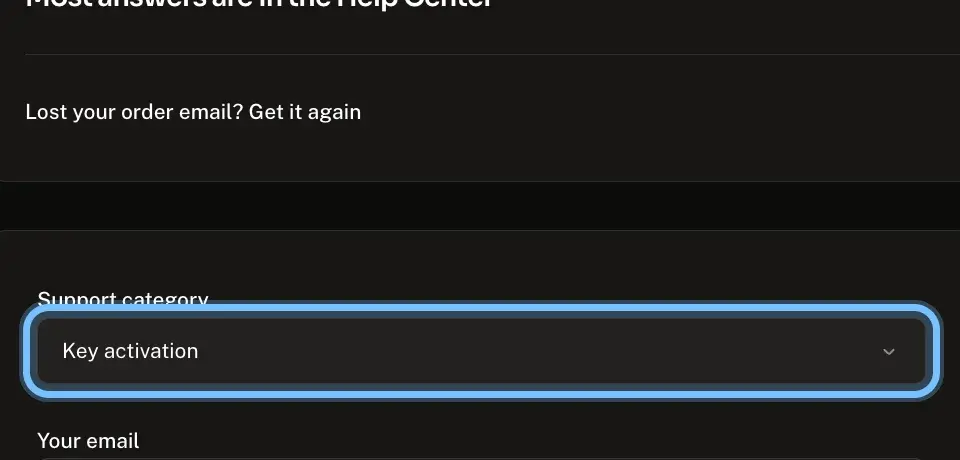
Go to Contact us. Key activation is already chosen under Support category.
- 2
Enter Your email, so we can reply.
- 3
In Description, write the platform you redeemed on, your account's region and the exact message, word for word. Don't paste the full key.
- 4
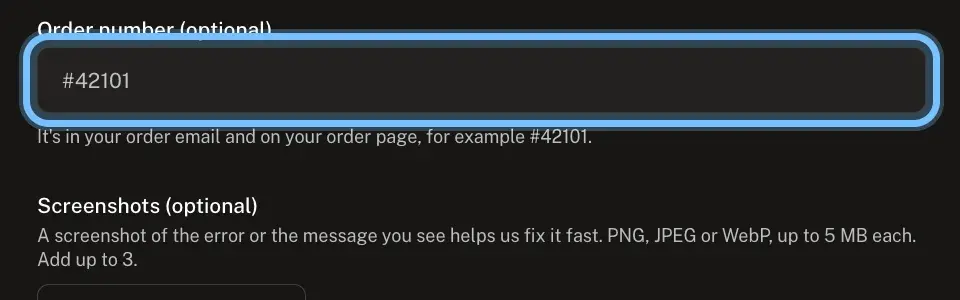
In Order number, enter your order number, like #42101. It's in your order email and at the top of your order page.
- 5
Under Screenshots, select Add a screenshot and add your screenshot of the message.
- 6
Select Submit ticket.
Confirm it works
The key activates on the platform the product page names, and the game is in that platform's library, even before it downloads.
If you contacted us, we reply by email, usually within a day.
Troubleshooting
| What you see | What it means | What to do |
|---|---|---|
A message that the key isn't available in your country or region, or doesn't match your location | The key's region isn't your account's region | Don't retry. Compare your account's region with the product page, then contact us with your order number. Your platform's row: Steam · PlayStation · Xbox · Nintendo · Epic Games · GOG · EA app · Ubisoft Connect · Battle.net · Rockstar Games |
Your account is in the region the product page showed, and the key is still refused | The key doesn't match its listing | Contact us with your order number. Buyer protection covers it for 24 hours after delivery |
Your account is in another region than the product page showed | The key is as listed, but not for your account | Don't redeem it or keep trying. Contact us with your order number: we'll look at it, but we can't promise a refund for a key that matches its listing |
The product page names another platform than the one you used | The key only works on its own platform | Redeem it on the platform the product page names. Its platform's row: Epic Games · EA app · Ubisoft Connect · Rockstar Games |
The product page names the platform you used, but it refuses the key as one for another platform | The key doesn't match its listing | Contact us with your order number. Buyer protection covers it for 24 hours after delivery |
You're not sure your country is inside the key's region | The publisher decides exactly which countries a region covers | Contact us with your order number and your account's country before you try again |
Steam activated the key, but your Library says Unavailable in current region | The game can only be played in its region | Don't retry. Contact us with your order number. Steam's row |
Xbox says "Incorrect region" | Your Xbox's location setting doesn't match where you live, or the code is for another region | Check your Xbox's location setting: Xbox's row |
Xbox says "VPN detected" | Microsoft needs the redeem to come from your account's home region | Turn off the VPN, then try again. Xbox's row |
Frequently asked questions
Related articles
Still stuck?
Contact us with your order number and the exact message you see, word for word, including any error code. We reply by email, usually within a day. If the key doesn't match your order, buyer protection covers you for 24 hours after delivery.