What's the difference between an edition, an upgrade and DLC?
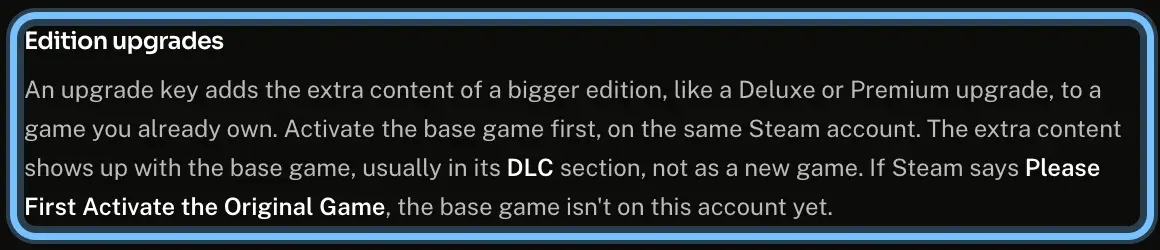
A full edition, such as Standard, Deluxe or Game of the Year, is the whole game, and bigger editions add extras. An upgrade adds a bigger edition's extras to a game you own. DLC adds content, like an expansion or a season pass, to a game you own. Upgrades and DLC need the base game on the same account.
All three redeem like any other key on their platform. What changes is what they add, and whether you need the game first.
Check which kind of key you're buying
- 1
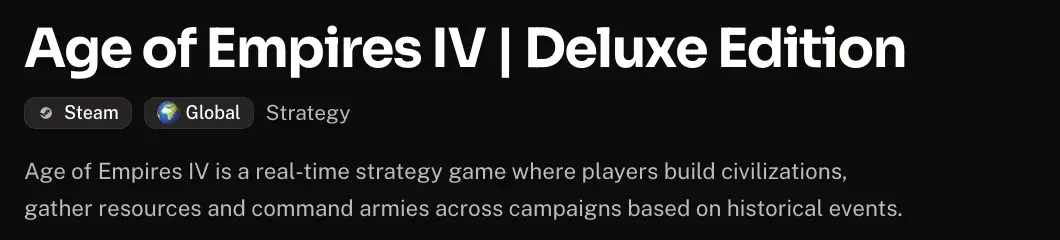
Read the name at the top of the game's page. A full edition names its edition, like Age of Empires IV | Deluxe Edition.
- 2
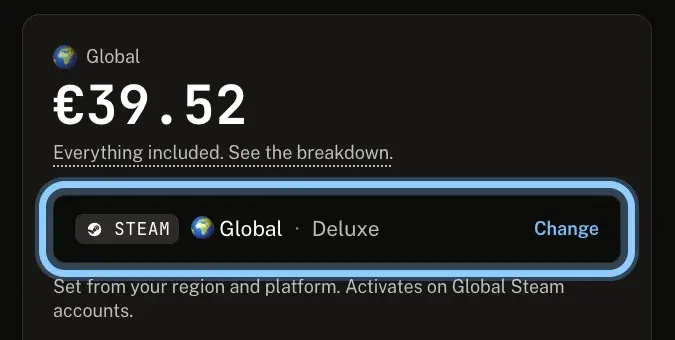
In the buy box, check the line next to Change. It ends with the edition you're buying: Deluxe here.
- 3
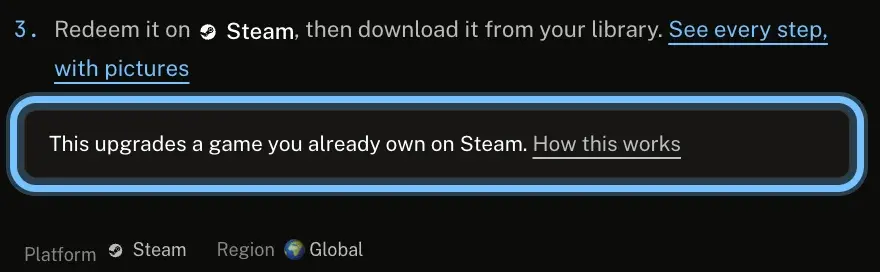
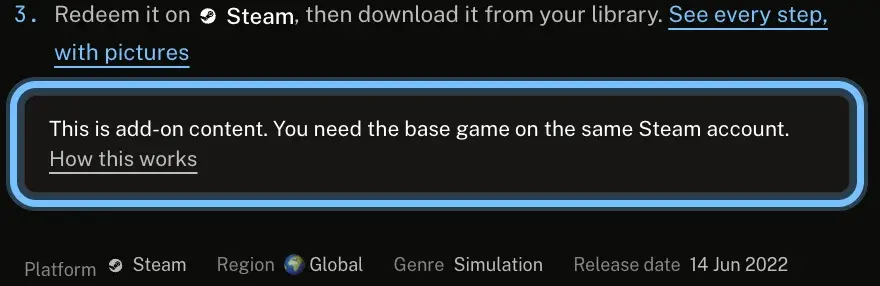
Scroll to How activation works. An upgrade or DLC says so there, before you buy.
An upgrade: "This upgrades a game you already own on Steam."
DLC: "This is add-on content. You need the base game on the same Steam account."
- 4
Select How this works next to the note. It opens your platform's guide at the section for that kind of key.
Find it after you redeem
Upgrades and DLC don't appear as a new game. They're listed with the base game.
- 1
Redeem the upgrade or DLC on the account that has the base game.
- 2
Open the base game in your library, and find the new content with it:
Steam: the base game's DLC section in your Library. Steam: DLC and season passes
PlayStation: the base game's Add-Ons section in your Game Library. PlayStation: DLC and season passes
Xbox: highlight the game in My games & apps, press the Menu button, then select Manage game and add-ons. Xbox: DLC and season passes
Nintendo: Virtual Game Cards lists DLC and expansion passes. Load them there. Nintendo: DLC and season passes
Epic Games: most DLC installs with the game. If not, turn it on in Manage Add-Ons. Epic Games: DLC and season passes
GOG: GOG GALAXY installs DLC with the base game. On the website, its installers are under the base game. GOG: DLC and season passes
EA app: on the base game's tile in Library, select the three dots, then Manage add-ons. EA app: DLC and season passes
Ubisoft Connect: the game's Extensions section. Ubisoft Connect: DLC and season passes
Battle.net: start the base game to play the new content. Battle.net: DLC and season passes
Rockstar Games: claim Criminal Enterprise Starter Pack items inside GTA Online. Rockstar Games: DLC and season passes
A season pass unlocks content as the publisher releases it, so some items arrive later.
Troubleshooting
| What you see | What it means | What to do |
|---|---|---|
A message that you need the original game or the base game first | The base game isn't on this account | Add the base game to the same account, then redeem again. Your platform's row: Steam · Nintendo · Epic Games · GOG · Battle.net |
The upgrade or DLC redeemed, but nothing new shows | It's listed with the base game, or unlocks inside the game | Look with the base game, as in Find it after you redeem. Your platform's row: Xbox · Epic Games · EA app · Ubisoft Connect · Battle.net |
You own the base game on another store | Add-ons usually need the base game on the same store | Ask us before you buy or redeem. GOG and Epic Games don't accept DLC for a game you own elsewhere, and Ubisoft warns that mixed stores might not work together |
A Nintendo Switch 2 upgrade pack won't redeem on a Nintendo Switch | Upgrade packs only redeem on a Nintendo Switch 2 or on Nintendo's website | Redeem it there instead. Nintendo's row |
Some season pass content is missing | It's released over time | Look again when the publisher releases it |
The name says it includes the game, but the page says "This is add-on content" | The two disagree | Ask us before you buy |
Frequently asked questions
Related articles
Still stuck?
Contact us with your order number and the exact message you see, word for word, including any error code. We reply by email, usually within a day.