Why does my Nintendo Account's country matter for eShop codes?
A Nintendo download code only redeems on a Nintendo eShop set to the code's region, and your eShop always follows your Nintendo Account's country. So a Europe code needs an account set to a European country. Check your account's country against the region on the product page before you buy.
Before you start
Know which Nintendo Account you'll redeem on. The country belongs to the account, not the console, so two accounts on one console can differ.
Have the game's page on Andalu open, to compare.
Check your account's country
Nintendo's own guide: Your Nintendo Account's country.
- 1
Go to the Nintendo Account website and sign in.
- 2
Select User Information.
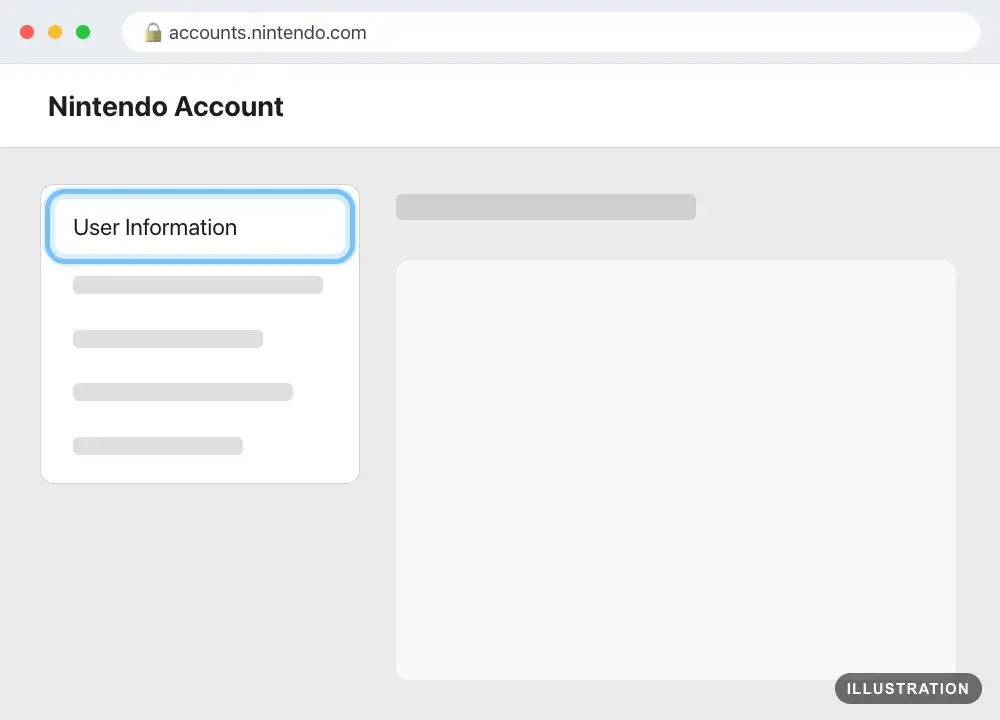
Illustration drawn from the platform's own guide · see the original - 3
In the Profile section, look under Country/region of residence. That's your account's country.
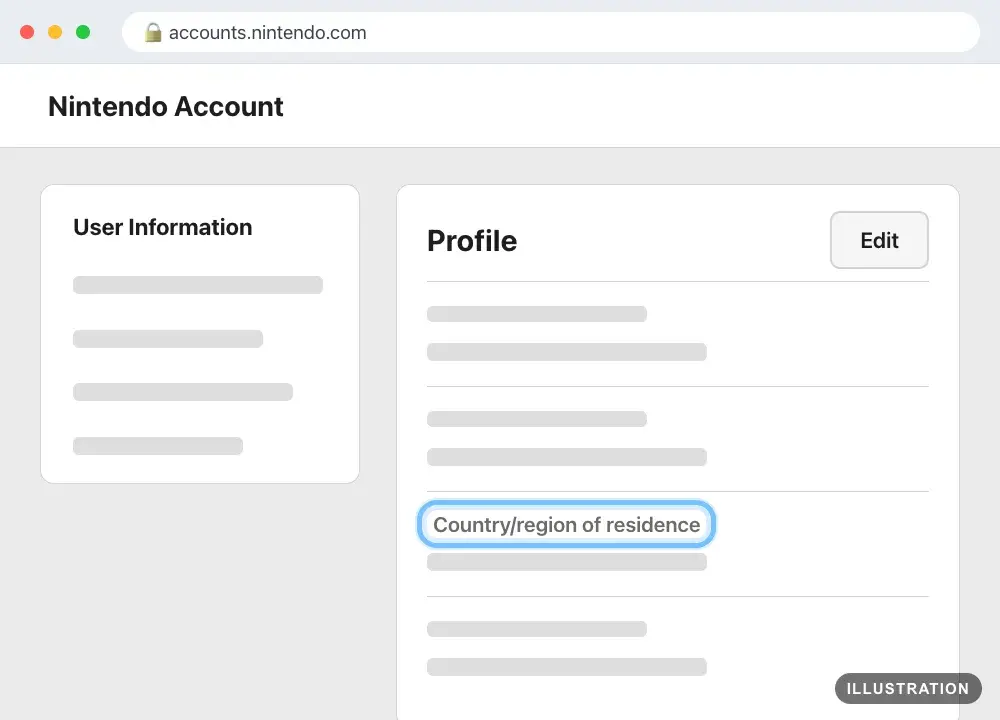
Illustration drawn from the platform's own guide · see the original
Compare it with the product page
- 1
Open the game's page on Andalu.
- 2
Scroll to How activation works. A code for one region says which accounts it works on: "This key activates only on a Nintendo account set to Europe."
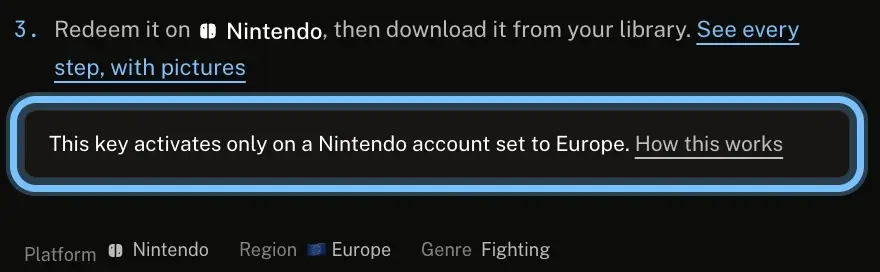
- 3
Buy only the version for your account's country. Select Change in the buy box to see the regions we have.
Troubleshooting
| What you see | What it means | What to do |
|---|---|---|
Error 2813-6561 | The code is most likely for a different region than your account | Don't retry. Check your account's country against the region on your order, then contact us with your order number. Nintendo's row |
2813-0055: "The item corresponding to the code you entered is not currently available." | A region mismatch, or the content isn't released in your region yet | Check the regions match. For a new game, try again after its release. Otherwise, don't retry: contact us. Nintendo's row |
Error 2813-0039 | The code was typed wrong | Paste the code rather than typing it. Nintendo's row |
A code worked for a friend but not for you | The country belongs to each Nintendo Account | Check your own account's country, as above |
You bought a code for another region | It won't redeem on your account, and retrying won't change that | Don't redeem it or keep trying. See wrong platform or region |
Frequently asked questions
Related articles
Still stuck?
Contact us with your order number and the exact message you see, word for word, including any error code. We reply by email, usually within a day.