Is my phone compatible with an eSIM?
Most phones from recent years support eSIM: iPhone XS and XR or later, Google Pixel 4 or later, and Samsung Galaxy S20 or later, among others. Your phone also needs to be unlocked, not tied to your home carrier. You can check eSIM support in a minute: an EID number in your settings means your phone has it.
Check before you buy. An eSIM installs on one phone only, so make sure the phone you're traveling with can take it.
On an iPhone
Apple's own guide: Find the serial number, EID or IMEI on your iPhone.
- 1
Open Settings.
- 2
Tap General.
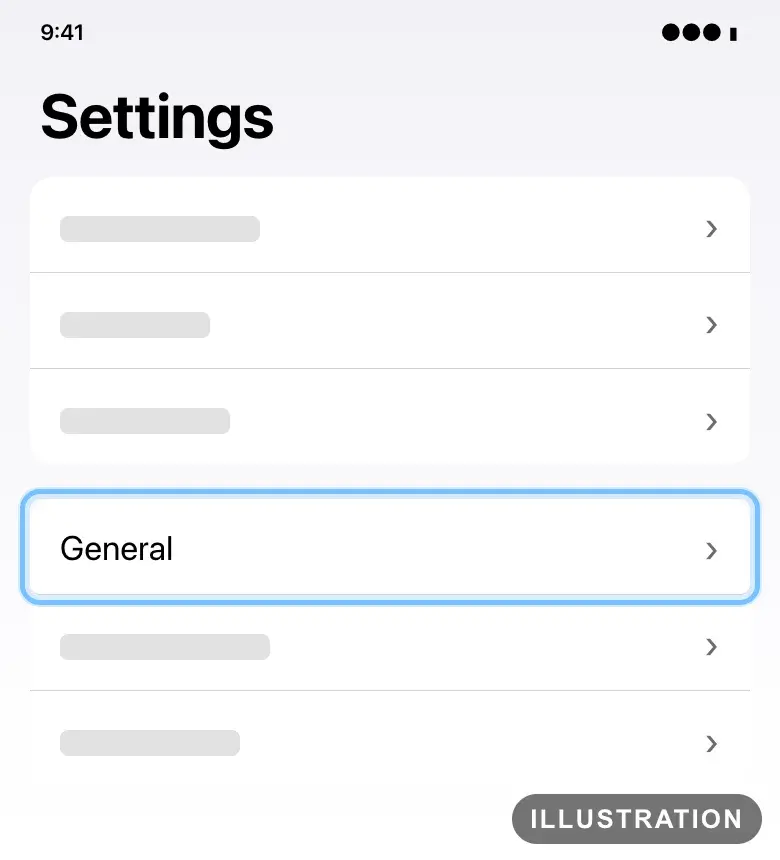
Illustration drawn from the platform's own guide · see the original - 3
Tap About.
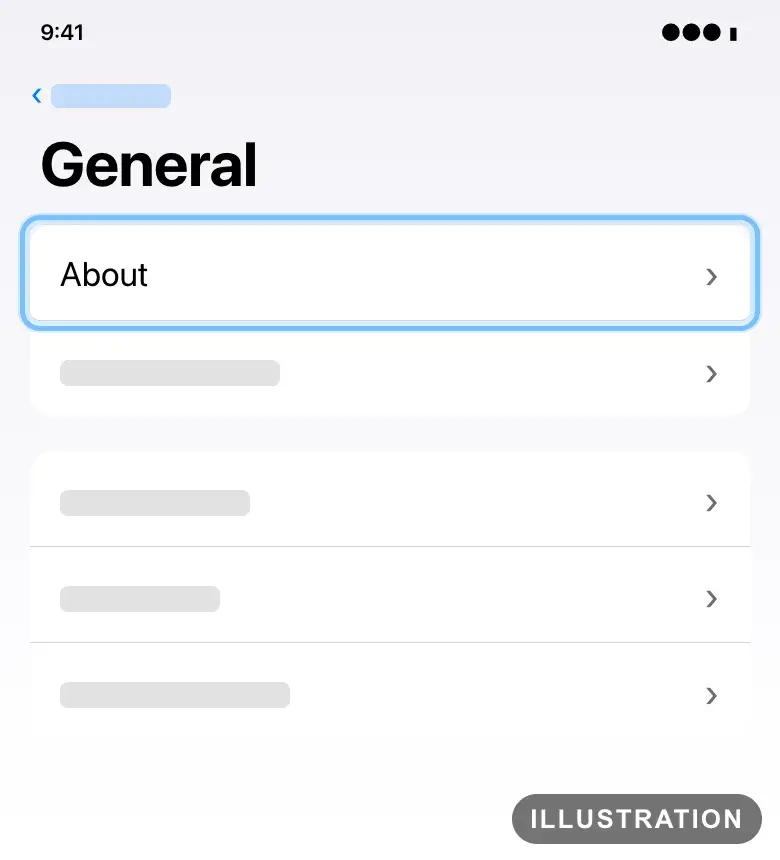
Illustration drawn from the platform's own guide · see the original - 4
Scroll down to EID. If your iPhone shows an EID, it supports eSIM.
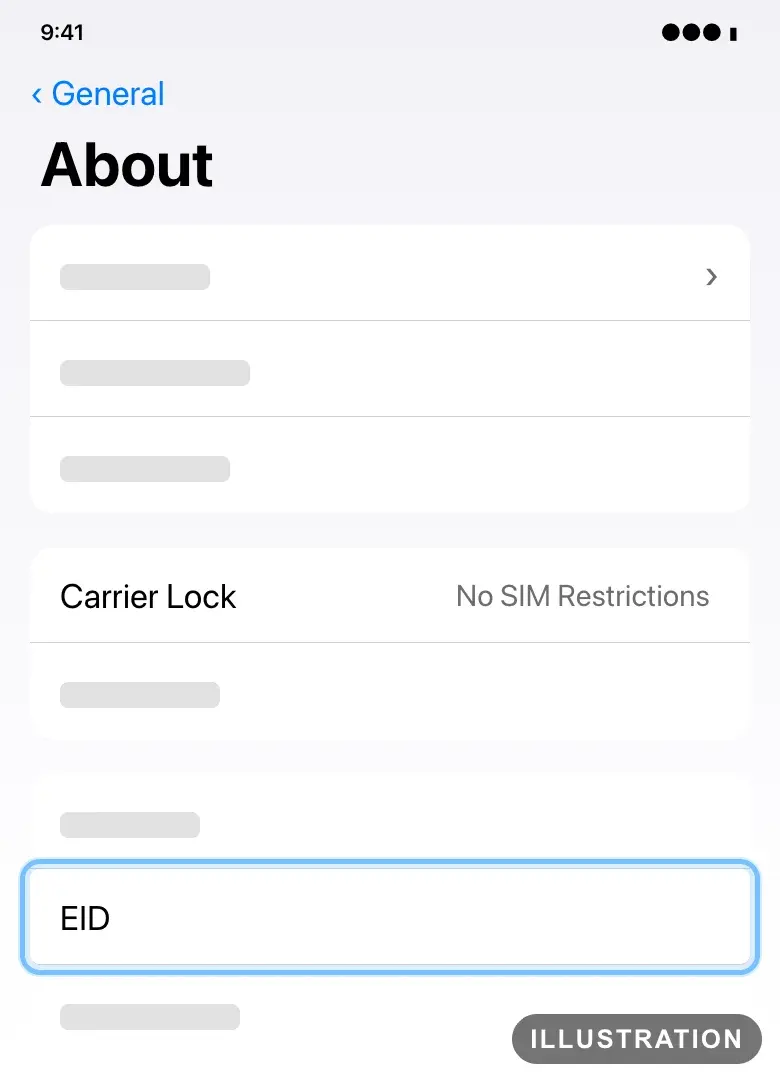
Illustration drawn from the platform's own guide · see the original - 5
Look at Carrier Lock on the same screen. If it says No SIM Restrictions, your iPhone is unlocked.
Anything else there means it may be locked. Only your carrier can unlock it: How to unlock your iPhone.
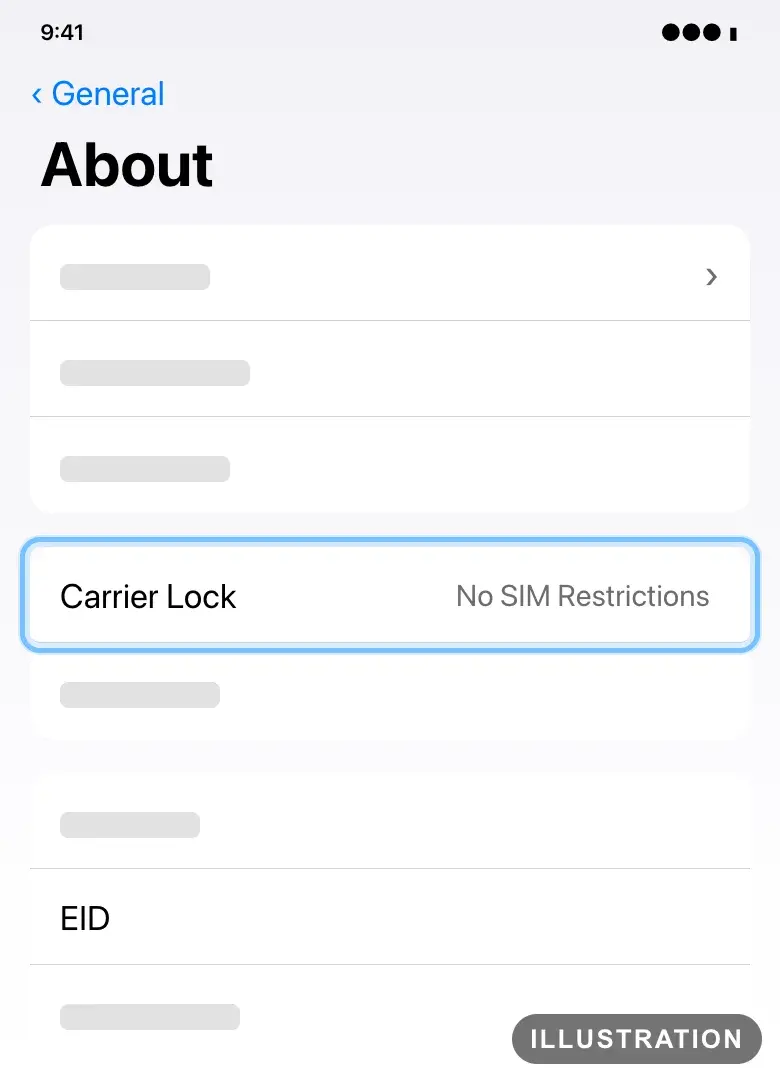
Illustration drawn from the platform's own guide · see the original
On a Google Pixel
Google's own guide: Find your IMEI and other Pixel phone ID numbers.
- 1
Open Settings.
- 2
Tap About phone.
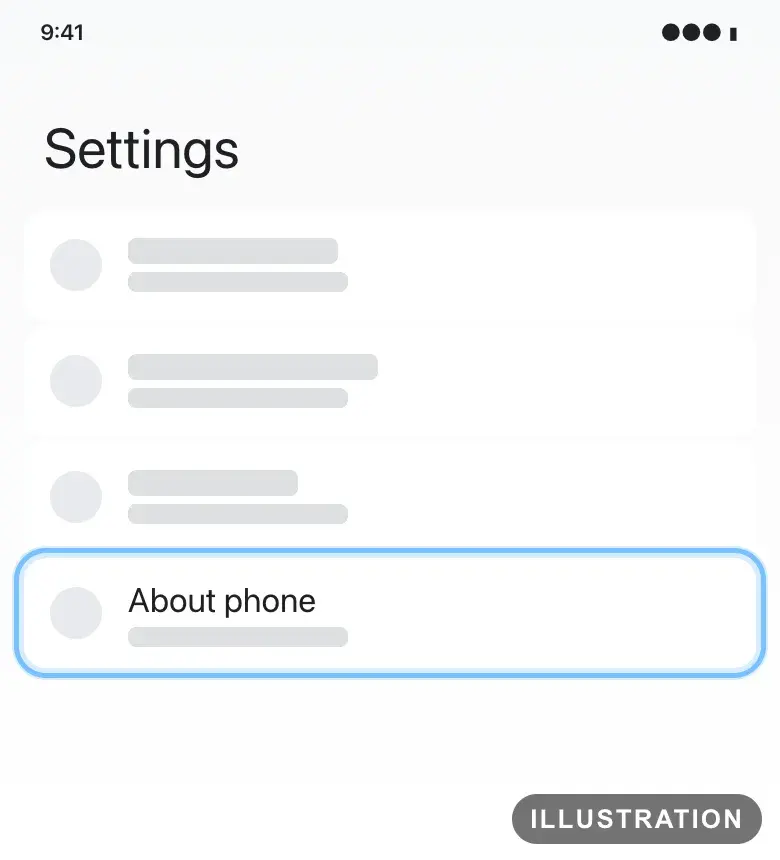
Illustration drawn from the platform's own guide · see the original - 3
Tap SIM status.
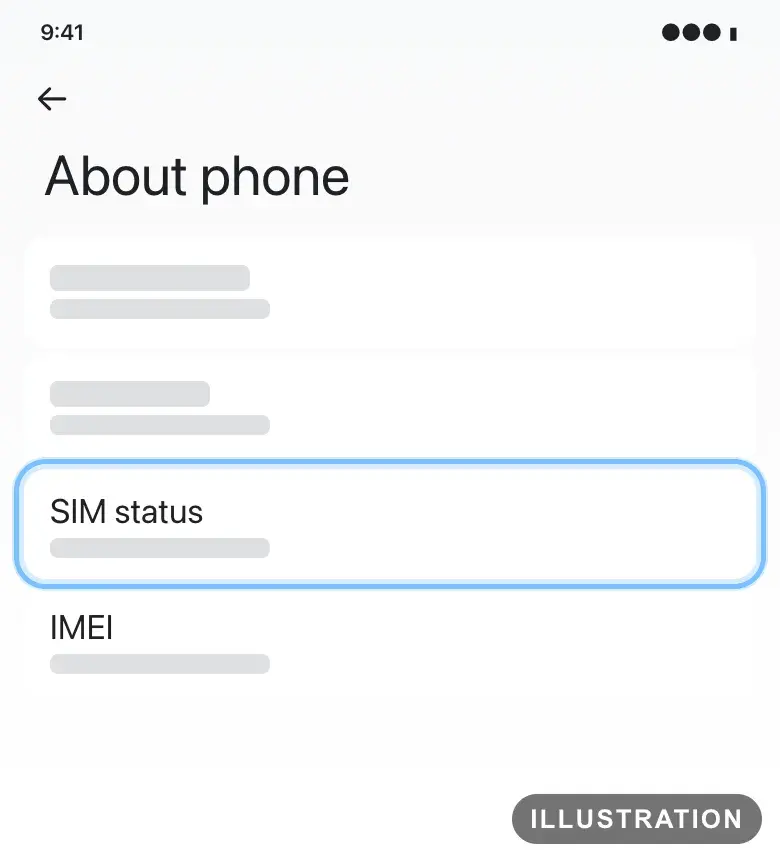
Illustration drawn from the platform's own guide · see the original - 4
Look for EID. If your Pixel shows an EID, it supports eSIM.
Every Pixel 4 and later supports eSIM. A Pixel 3a bought from Verizon or in Japan doesn't.
Bought your Pixel from a carrier? It may be locked to that carrier for up to 2 years. Ask them to unlock it. Pixels bought from the Google Store come unlocked.
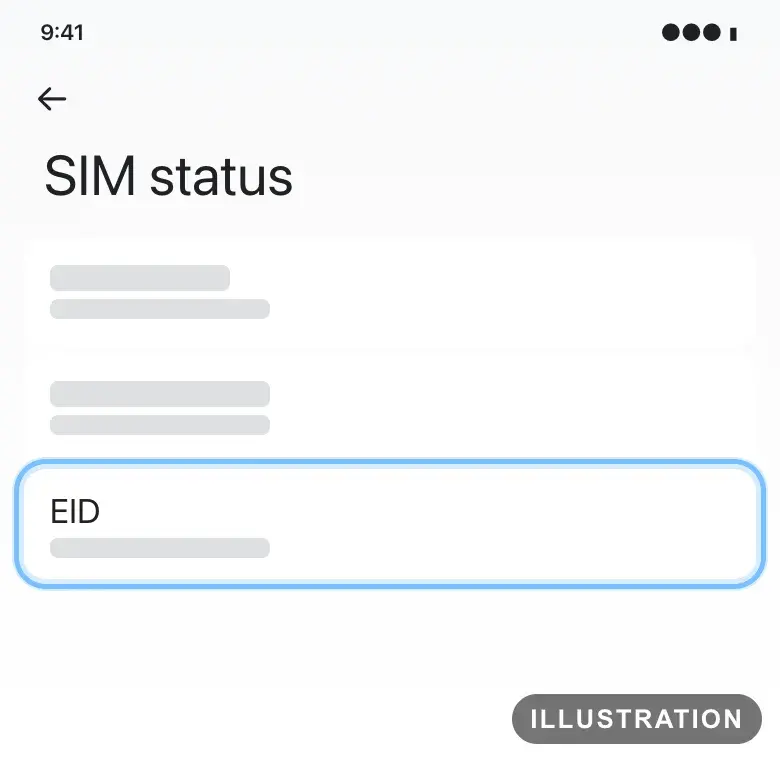
Illustration drawn from the platform's own guide · see the original
On a Samsung Galaxy
Samsung's own list: Galaxy devices that support eSIM.
- 1
Open Settings.
- 2
Tap Connections, then SIM manager.
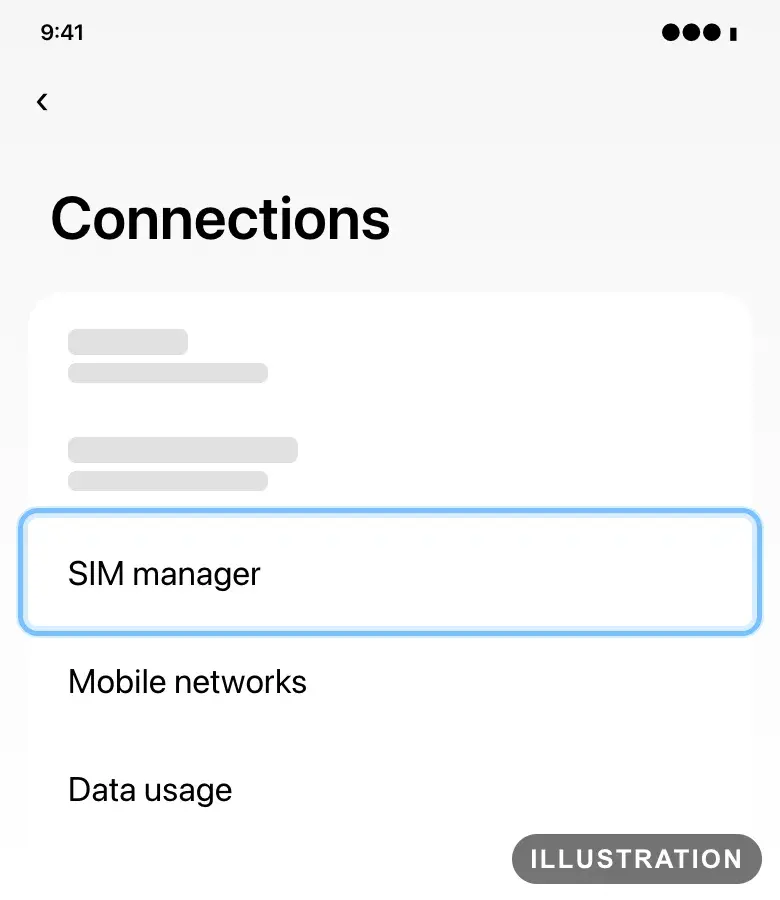
Illustration drawn from the platform's own guide · see the original - 3
Look for Add eSIM. If it's there, your phone can take an eSIM.
Samsung's list includes the Galaxy S20 and later S series, the Galaxy S23 FE, S24 FE and S25 FE, the Galaxy Z Fold and Z Flip phones, and some Galaxy A models in some regions.
Samsung notes that eSIM may not work in every country a listed phone was sold in.
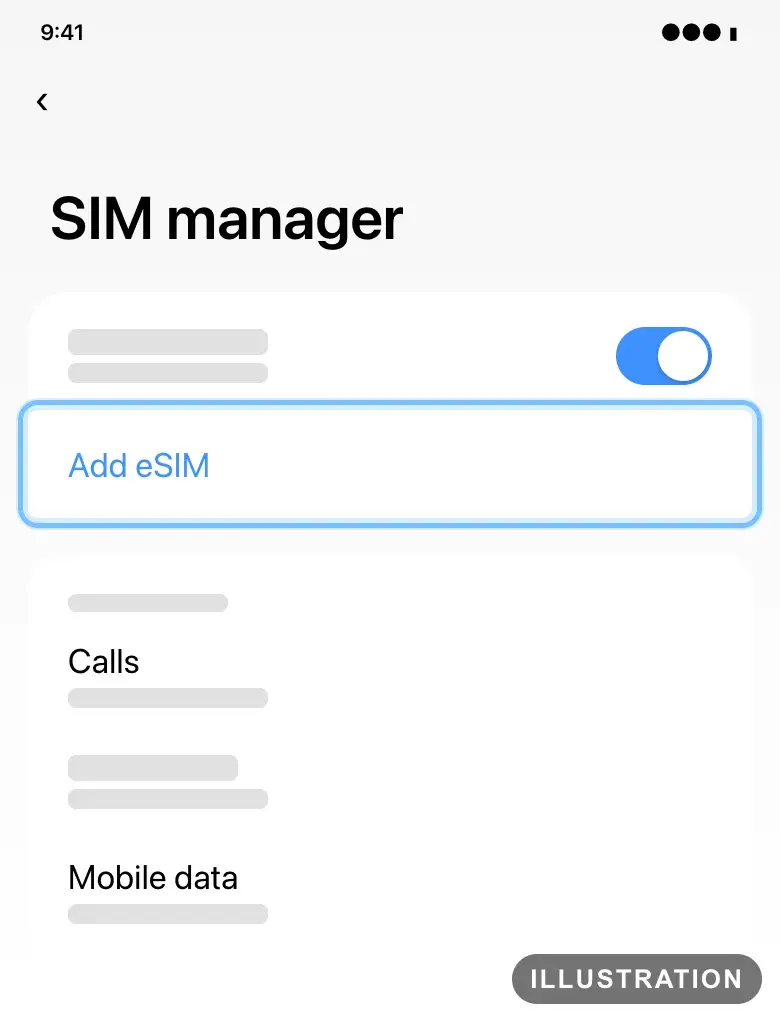
Illustration drawn from the platform's own guide · see the original - 4
Bought your phone from a carrier? Ask them whether it's locked, and to unlock it if it is.
Troubleshooting
| What you see | What it means | What to do |
|---|---|---|
No EID on your iPhone's About screen | Your iPhone doesn't support eSIM | You need an iPhone XS, iPhone XS Max, iPhone XR or later. In China mainland, only the iPhone 18 Pro, iPhone 18 Pro Max, iPhone 17e and iPhone Air support eSIM |
Carrier Lock doesn't say No SIM Restrictions | Your iPhone is locked to a carrier | Ask your carrier to unlock it before you travel. It can take a few days |
No EID in your Pixel's SIM status | Your Pixel doesn't support eSIM | Use another phone for your eSIM |
No Add eSIM in a Samsung Galaxy's SIM manager | Your phone doesn't support eSIM, or doesn't support it in the country it was sold in | Check Samsung's list, or use another phone for your eSIM |
You already bought an eSIM and your phone can't take it | The eSIM installs on one phone only | Contact us with your order number before you install it anywhere |
Frequently asked questions
Related articles
Still stuck?
Contact us with your order number and the exact message you see, word for word, including any error code. We reply by email, usually within a day.